Create a video

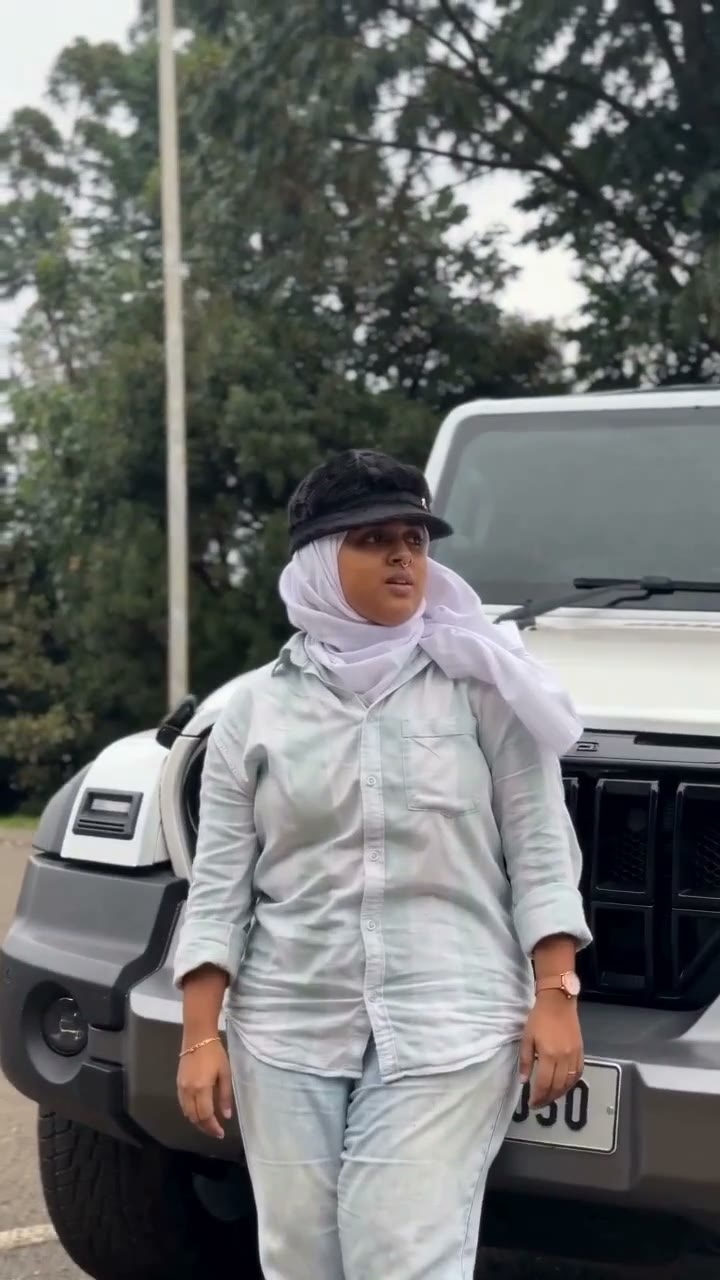
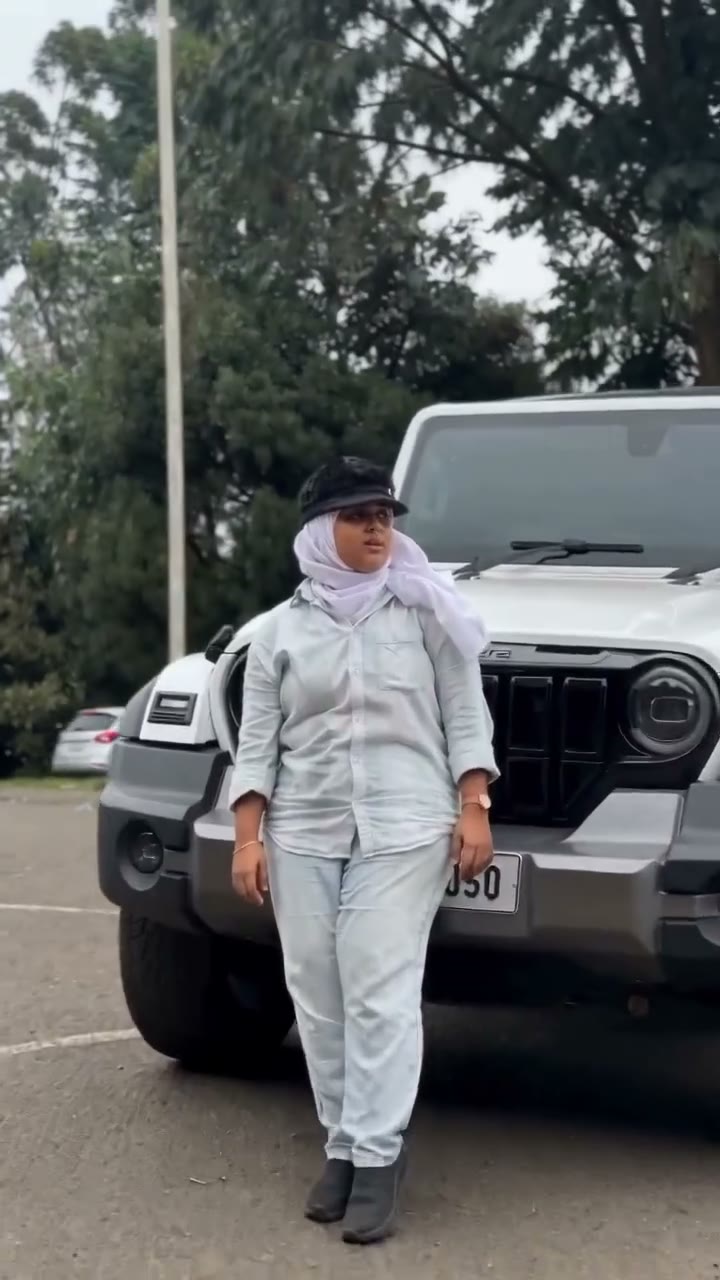
Person beside the SUV · Photo 1
Settings
Mode
Video length10s
Resolution

Earth Zoom In AI Video Generator

From the edge of Earth to your close-up. Earth Zoom In AI places your chosen person beside the white SUV at the end of a prepared space-to-street camera move.

0:00 / —:—

What is Earth Zoom In AI?

Earth Zoom In AI creates a continuous-looking descent from Earth's curved horizon through clouds and city streets to a person beside a white SUV. On Motion Transfer, one photo replaces the person in the final reveal, including their hair, body, outfit and accessories. Earth Zoom In AI keeps the prepared city, route, vehicle and camera movement. This page is a character-reveal template: it does not locate a supplied address, reconstruct your neighborhood or turn a landscape photo into a satellite view. The roughly ten-second reference shown above supplies the whole sequence and its audio. You only need the person photo, then a mode and available resolution.

A zoom from Earth through clouds and a city to a person beside a white SUV

How to create your Earth Zoom In AI video

The reference and instructions are ready. Choose your photo and review the quote before generating.

  1. STEP 1

    Choose your Earth Zoom In AI character

    Choose one sharp person photo showing the full outfit. Your image supplies the closing character; the city and white SUV remain prepared.

  2. STEP 2

    Choose a mode and generate

    Choose a generation mode and an available resolution in Settings, then review the current credit quote. Sign in and submit when ready. Selecting photos alone does not start a paid job.

  3. STEP 3

    Preview your Earth Zoom In AI result

    Watch the whole descent and the closing character reveal. Check the transitions, vehicle and appearance, then download from My creations.

See the Earth Zoom In AI sequence

The images below are moments from the prepared reference, showing the action and the role your photo will change.

Make yourself the destination of the camera move

Earth Zoom In AI gives a large-scale opening a personal ending. The viewer travels from a distant view of the planet down to street level, then meets the character you chose. Your photo defines the person beside the SUV, so an everyday outfit, distinctive jacket or original character design can become the reveal. Earth Zoom In AI does not add your portrait to the sky or show it throughout the descent. The person appears when the reference reaches the ground, making this useful as a short introduction with a delayed payoff.
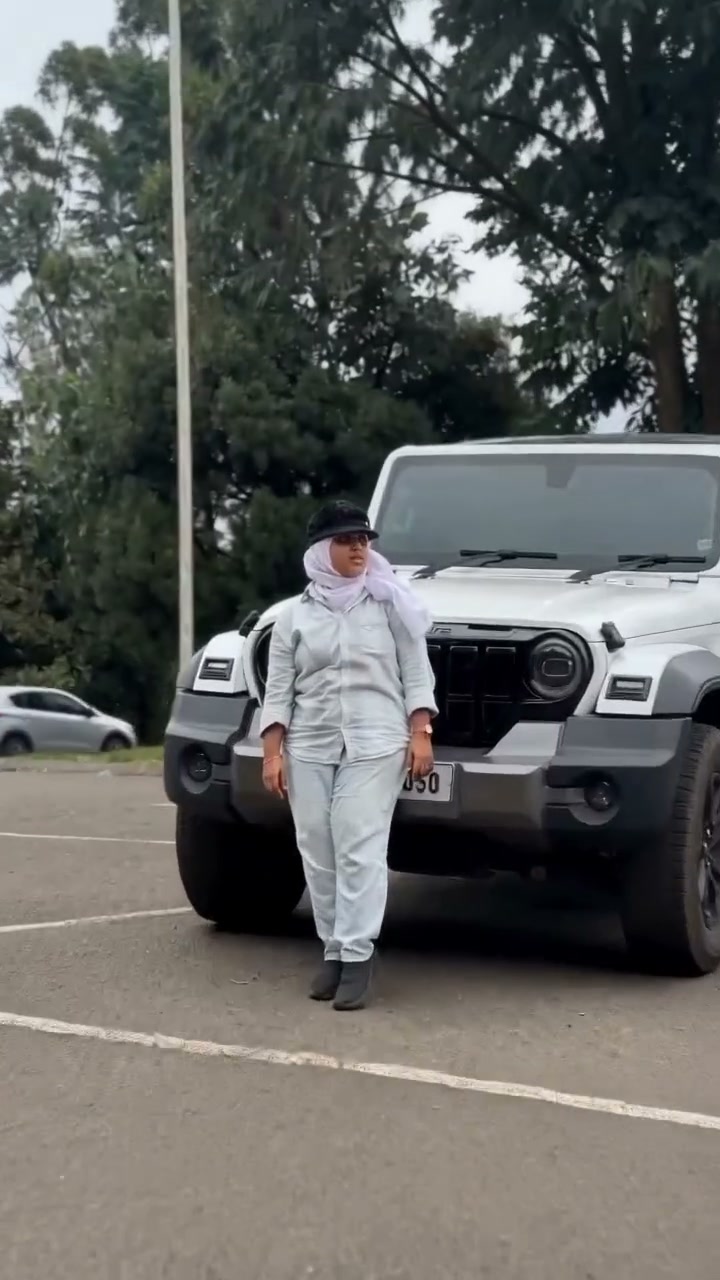
Make yourself the destination of the camera move — frame from the prepared Earth Zoom In AI sequence

Use the prepared descent without assembling separate shots

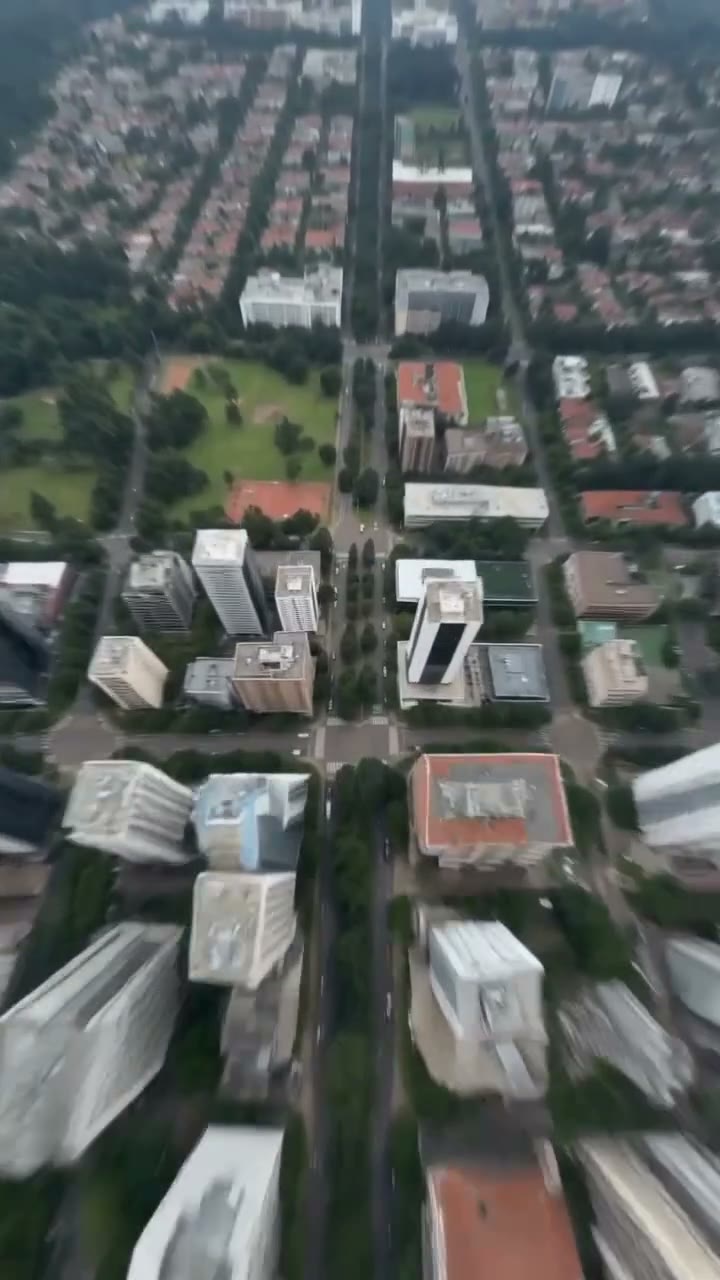
The effect depends on the transition between scales: planet, clouds, city blocks, treetops and the final road. Earth Zoom In AI supplies that camera path in one prepared sequence, saving you from matching separate aerial clips or manually building zoom transitions. The buildings and white SUV remain part of the scene, so you can focus on choosing the lead. Earth Zoom In AI is a stylized video effect rather than a verified map journey. It does not promise geographic accuracy or a custom destination based on where the uploaded person lives.

Use the prepared descent without assembling separate shots — frame from the prepared Earth Zoom In AI sequence

Give a short introduction a clear final subject

An Earth Zoom In AI clip can open a personal reel, introduce an original character or add a playful arrival moment to a message. The ending keeps the chosen person near the vehicle long enough for the look to register after the rapid descent. A full-body image helps carry clothing details into the approach; a clear face helps the closer view. Earth Zoom In AI keeps this particular vehicle and setting. If your idea depends on showcasing your own car, a custom building or a business location, choose a tool with those specific inputs.

Give a short introduction a clear final subject — frame from the prepared Earth Zoom In AI sequence

What you choose in Earth Zoom In AI

Your photo defines the character. The prepared reference supplies the action and setting.

One required person photo

Earth Zoom In AI changes the person in the closing reveal. There are no optional car, location or background uploads on this page.

A fixed destination

The white SUV, city and descending camera path are already prepared. Earth Zoom In AI does not use a street address, map pin or satellite-image input.

One short sequence in every mode

All three Earth Zoom In AI modes use the same approximately ten-second reference. Original follows the full source; Economy and Standard interpret the same short performance. Sound comes from the reference.

Earth Zoom In AI credits and plans

Generation requires an account and sufficient credits. Use the quote on Generate for your chosen mode and resolution; general plan examples below can use different models and lengths.

Starter

For your first ideas.

$8.3/month

$100.0 charged yearly

2,400 credits/year

Up to 400 images

GPT Image 2Nano Banana Pro

Up to 133 videos

Seedance 2.5Kling 3.0 Motion Control
  • Up to 4K images and HD videos, depending on the model
  • Image editing, video creation & motion transfer
  • Watermark-free image & video downloads
  • Generation history in your account
Popular40% OFFSave $238.8

Pro

For a steady creative flow.

$30.0/month$49.9/month

$360.0 charged yearly

21,600 credits/year

Up to 3,600 images

GPT Image 2Nano Banana Pro

Up to 1,200 videos

Seedance 2.5Kling 3.0 Motion Control
  • Up to 4K images and HD videos, depending on the model
  • Image editing, video creation & motion transfer
  • Watermark-free image & video downloads
  • Generation history in your account
  • Use credits across image and video models
Best Value50% OFFSave $599.8

Business

For more creations, more often.

$49.9/month$99.9/month

$599.0 charged yearly

48,000 credits/year

Up to 8,000 images

GPT Image 2Nano Banana Pro

Up to 2,666 videos

Seedance 2.5Kling 3.0 Motion Control
  • Up to 4K images and HD videos, depending on the model
  • Image editing, video creation & motion transfer
  • Watermark-free image & video downloads
  • Generation history in your account
  • Use credits across image and video models

Basic

$0

Try before you subscribe

  • 18 one-time signup credits
  • Generation history included
  • Watermarked previews & downloads
  • Up to 3 images or 1 video
  • Watermark-free downloads require payment

Prices in USD; taxes and total shown at checkout. Subscriptions renew automatically; cancel in Billing settings. Subscription credits expire each period; one-time credits never expire.

Refunds: request within 72 hours. Used purchased credits and applicable non-refundable processing costs (up to 6%) are deducted. Terms · Refund Policy

Earth Zoom In AI questions

Inputs, the prepared sequence, generation settings and your finished result.

How do I make an Earth Zoom In AI video?

Upload one person photo, choose a mode and resolution, review the credits and submit. Earth Zoom In AI supplies the camera move. Preview and download the completed result in My creations.

What photo does Earth Zoom In AI need?

Use one clear person photo with the full outfit visible. The ending includes a closer view, so avoid distant or blurred faces. The photo background does not become the Earth Zoom In AI destination.

Can Earth Zoom In AI zoom to my house or address?

The destination is the prepared roadside scene beside the white SUV. Earth Zoom In AI does not accept addresses, coordinates or location images. A real destination requires a separate location-controlled workflow.

Can I replace the car in Earth Zoom In AI?

The white SUV stays in place. Earth Zoom In AI has no car-photo slot; its input defines the person. Use a related car-effect page when the vehicle is your main subject.

When will my person appear in Earth Zoom In AI?

The chosen person appears in the final ground-level portion, after the camera passes through the cloud and city views. The opening stays focused on the descent. Earth Zoom In AI asks for appearance continuity during the approach and close view, but the exact timing and details can vary in generated results.

Is Earth Zoom In AI based on a real satellite map?

Earth Zoom In AI uses the prepared visual reference. It does not query satellite data or verify geography. Treat the result as a cinematic effect, with the buildings and route shown in the preview.

Does Earth Zoom In AI include the original sound?

Yes, audio comes from the prepared reference. Listen using the preview sound control. Earth Zoom In AI has no music picker or voice-cloning step. Add a separate permitted voiceover afterward if needed.

Can I choose a longer Earth Zoom In AI sequence?

All modes use the same approximately ten-second reference. Interpretation can vary, but changing mode does not select another route. This page has no trimming, duration or alternate-destination controls.

What should I check in an Earth Zoom In AI result?

Watch the cloud-to-city transition for abrupt jumps, then follow the road and vehicle into the final reveal. Inspect the person's appearance and clothing as they become larger in frame. Earth Zoom In AI may introduce warped buildings, shifting car details or inconsistent proportions; a smooth beginning alone is not enough to judge the ending.

Is Earth Zoom In AI free to generate?

Previewing is available before generation. Creating an Earth Zoom In AI video requires an account and enough credits for the displayed quote. Each attempt is a separate job. Replay and download completed results in My creations.

Create your Earth Zoom In AI video

Choose your photo and bring your idea into the prepared sequence.

A zoom from Earth through clouds and a city to a person beside a white SUV