
Venom Car AI Video Generator
Give your car a black-liquid entrance. Venom Car AI turns one vehicle photo into a garage reveal with tendrils, a forming chassis and views of the finished car. Your image supplies the vehicle; the reference provides the sequence and sound.
0:00 / —:—
Venom Car AI video ideas
Explore community remixes of this performance. Open a video for a closer look.
What is Venom Car AI?
Venom Car AI is a vehicle reveal in which glossy black liquid gathers around a badge, wheels and chassis before unveiling a complete car. On Motion Transfer, upload one photo of your target vehicle. The image guides its body shape, paint, wheels, lights and proportions while the prepared reference supplies the garage, liquid movement and camera sequence. The result is a vertical clip of about 16 seconds with sound. Venom Car AI follows this specific formation-and-reveal scene, including views of the finished vehicle, rather than asking you to write a new transformation sequence.
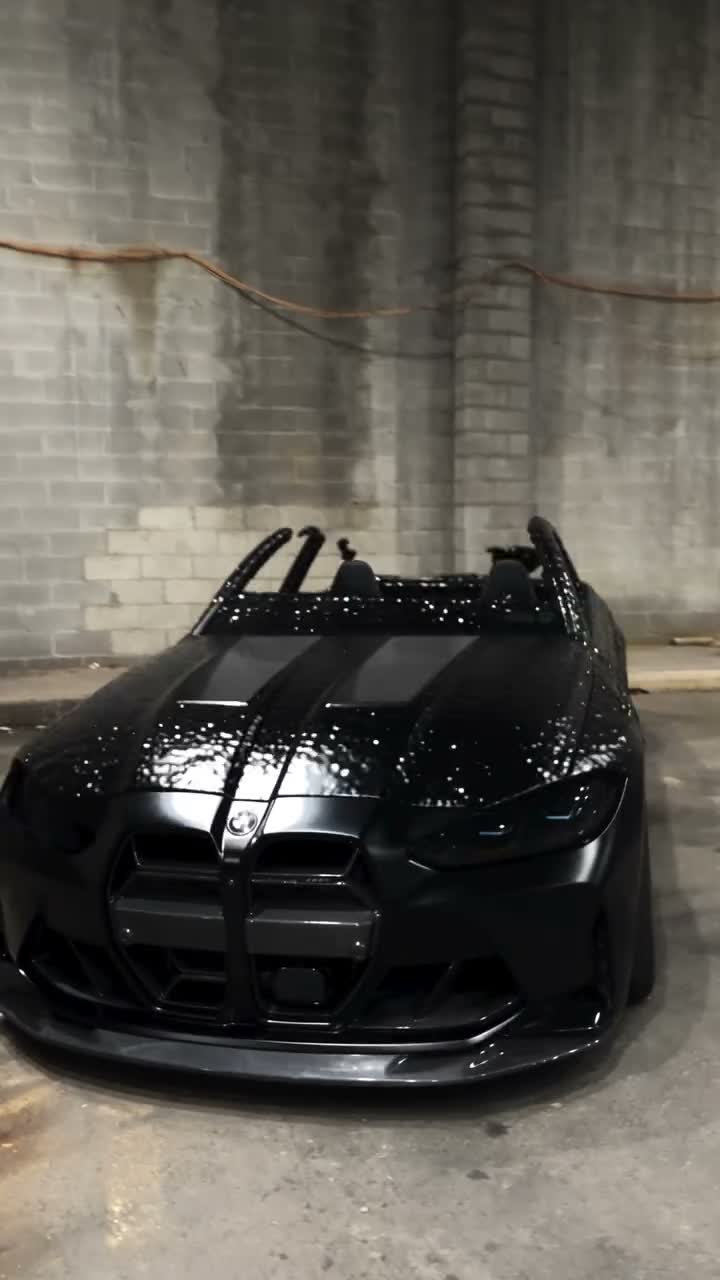
How to create Venom Car AI
One car photo is enough to start the prepared transformation.
STEP 1
Upload the target car
Choose one clear photo for Venom Car AI. Keep the complete vehicle in frame, with useful detail in its body, wheels and lights.
STEP 2
Review the garage sequence
Watch the Venom Car AI reference and choose an available resolution in Settings. The scene, shot order, sound and length are prepared.
STEP 3
Generate and inspect
Sign in, check the credit quote and generate. Review the finished Venom Car AI clip from the first liquid movement through the final vehicle view before downloading.
Your Venom Car AI vehicle reveal
A black-liquid buildup followed by the car you chose.
Make your own car the subject of the reveal
The most useful change is the car itself. Venom Car AI takes the visible design cues from one vehicle photo, giving a familiar car a dramatic introduction. The same effect can suit a personal car edit, a vehicle concept or a playful garage post. Choose a picture that clearly shows the body and wheels you want carried into the clip. A distinctive silhouette helps the reveal feel connected to your photo once the liquid clears. Venom Car AI targets the whole vehicle, so your image matters beyond a badge or a paint color. Exact trim details and small lettering may still vary across the views.
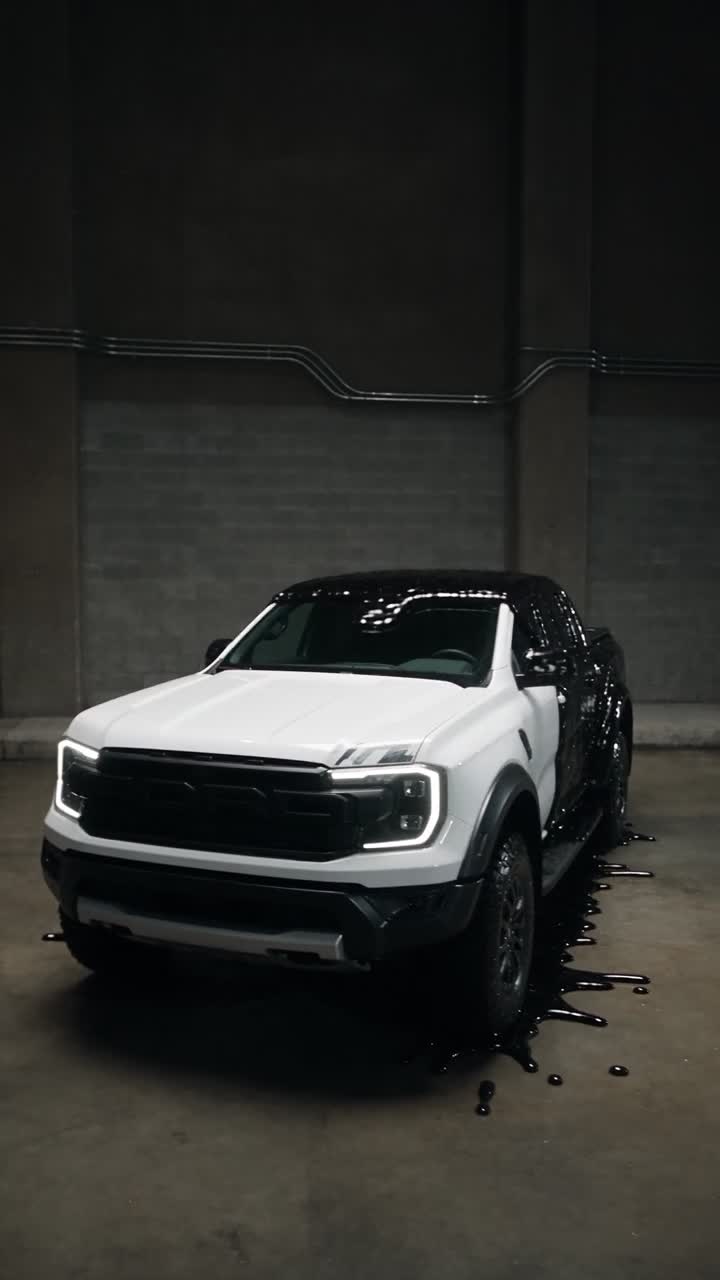
Give a vehicle introduction a visible buildup
A finished-car photo shows the destination immediately. Venom Car AI adds a short buildup: black liquid moves, parts take shape, and the body emerges before the camera shows the complete vehicle. That sequence creates a reveal without requiring you to film a garage shoot or animate liquid by hand. The template keeps the original shot order, transitions and lighting. Use Venom Car AI when the formation is part of the idea, such as introducing a dream car or making a dramatic reveal post. It creates a visual effect; it does not document how the real vehicle was manufactured or model its internal engineering.
Let the finished vehicle carry the final shots
The transformation has somewhere to land. Venom Car AI follows the liquid sequence with closer and wider views that bring attention back to the car, including its lights, body lines and rear shape. The reference sound supports the same short rhythm. You get a compact portrait clip to review and download, then caption or edit further in your usual video editor. A vehicle owner might use it as a personal reveal, while a creator might use it to introduce a car concept. Review every Venom Car AI view before posting: one photograph cannot fully specify surfaces that it never shows.
What your Venom Car AI photo controls
The car image and the motion reference have separate jobs.
Vehicle design
Venom Car AI uses your photo for the body, paint, wheels, lights and overall proportions. A whole-car image provides more useful information than a close crop of a badge.
The reveal effect
Venom Car AI keeps the black-liquid movement and formation sequence from the reference. There is no slider for the amount of liquid or a separate transformation style selector.
A fixed garage scene
Venom Car AI retains the supplied setting, framing and sound. The page has one car slot and no optional logo, person, background or second-vehicle upload.
Venom Car AI credits
Generation requires an account and sufficient credits. Check the quote for your chosen resolution before submitting. Shared plan examples may use other models or video lengths.
Starter
For your first ideas.
$8.3/month
$100.0 charged yearly
2,400 credits/year
Up to 400 images
GPT Image 2Nano Banana Pro
Up to 133 videos
Seedance 2.5Kling 3.0 Motion Control
- Up to 4K images and HD videos, depending on the model
- Image editing, video creation & motion transfer
- Watermark-free image & video downloads
- Generation history in your account
Popular40% OFFSave $238.8
Pro
For a steady creative flow.
$30.0/month$49.9/month
$360.0 charged yearly
21,600 credits/year
Up to 3,600 images
GPT Image 2Nano Banana Pro
Up to 1,200 videos
Seedance 2.5Kling 3.0 Motion Control
- Up to 4K images and HD videos, depending on the model
- Image editing, video creation & motion transfer
- Watermark-free image & video downloads
- Generation history in your account
- Use credits across image and video models
Best Value50% OFFSave $599.8
Business
For more creations, more often.
$49.9/month$99.9/month
$599.0 charged yearly
48,000 credits/year
Up to 8,000 images
GPT Image 2Nano Banana Pro
Up to 2,666 videos
Seedance 2.5Kling 3.0 Motion Control
- Up to 4K images and HD videos, depending on the model
- Image editing, video creation & motion transfer
- Watermark-free image & video downloads
- Generation history in your account
- Use credits across image and video models
Basic
$0Try before you subscribe
- 18 one-time signup credits
- Generation history included
- Watermarked previews & downloads
- Up to 3 images or 1 video
- Watermark-free downloads require payment
Prices in USD; taxes and total shown at checkout. Subscriptions renew automatically; cancel in Billing settings. Subscription credits expire each period; one-time credits never expire.
Refunds: request within 72 hours. Used purchased credits and applicable non-refundable processing costs (up to 6%) are deducted. Terms · Refund Policy
Venom Car AI questions
Car photos, black-liquid effects and the details to inspect in your result.
What kind of photo works for Venom Car AI?
Use a sharp photo of one complete car, ideally from a front three-quarter angle showing the body, wheels and lights. Avoid obstructions, heavy reflections and dark exposure that hide vehicle details. The photo does not need the reference garage.
Can Venom Car AI use a different vehicle shape?
A different car body or pickup can supply the target appearance, as the reviewed pickup remix illustrates. Very different proportions can make the chassis and wheel placement harder to reproduce. Exact model details may vary between shots.
Does Venom Car AI need a separate badge image?
No. The single vehicle photo supplies visible badge information along with body, wheel and light details. There is no emblem upload. Small logos, license plates and text can distort during generation, so inspect them if they matter to your post.
Will Venom Car AI turn the paint black?
Black liquid supplies the reveal effect; your photo supplies the target paint and body. Garage lighting and reflections can alter the apparent color, and liquid overlaps the body during formation. Inspect the later views after it clears as well as the opening.
Can I change the setting or length in Venom Car AI?
The sequence lasts about 16 seconds in a portrait garage scene. Settings offers resolution choices, with no background, duration, camera-route or action-prompt controls. Use another suitable reference from the homepage for a different setting or sequence.
Does Venom Car AI include sound?
The result uses the displayed reference soundtrack, with no separate music or engine-sound upload. Listen to the preview before generating. The audio does not record your particular vehicle; check soundtrack and imagery permissions before publication.
How is Venom Car AI different from Car Assembly AI?
This template uses black liquid and a garage reveal, then shows the finished vehicle. Car Assembly AI uses a different assembly scene and accepts additional views of the same car. This workflow accepts only one vehicle photo.
What should I inspect in a Venom Car AI result?
Compare wheels, headlights, grille, proportions and paint across views. Check liquid separation and reflections; unseen vehicle details require interpretation. Watch the complete clip in My creations before downloading, and label it as an AI visual effect.
Create your Venom Car AI reveal
Choose your car, keep the black-liquid buildup and give the final shots a familiar subject.