Create a video

Dancer · Photo 1
Settings
Mode
Video length11s
Resolution

Toc Toc AI Video Generator

Make the Toc Toc AI dance with one photo. Bring your complete look and outfit into an eleven-second solo routine, with bouncing steps, turns and sound.

0:00 / —:—

Toc Toc AI video ideas

Explore community remixes of this performance. Open a video for a closer look.

What is Toc Toc AI?

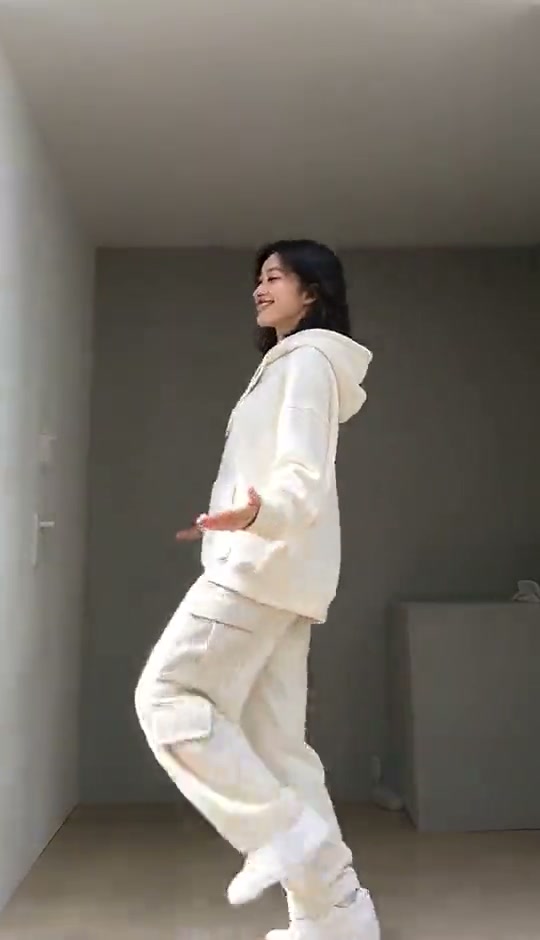
Toc Toc AI turns a still photo into a dance with bouncing steps, knee lifts, hand gestures and a playful turn. This page prepares the eleven-second solo version shown above, filmed in a simple room with the whole body visible. Your required photo replaces the dancer’s complete appearance, hair, clothing and shoes. Toc Toc AI supplies the movement, setting and reference soundtrack. Preview this solo routine first; this page has one dancer role and a fixed sequence.

A solo dancer in a cream outfit performing bouncing steps in a plain room

How to make your Toc Toc AI video

The scene and instructions are prepared. Start with your photo, then review the current generation quote.

  1. STEP 1

    Choose a Toc Toc AI dancer

    Upload one clear full-body photo to Dancer. Include the clothes and shoes you want animated. No second photo, dance recording or motion upload is required.

  2. STEP 2

    Pick your generation settings

    Choose Economy, Standard or Original and an available resolution. Review the displayed credits, then sign in and generate when ready. Selecting a photo alone does not start a paid task.

  3. STEP 3

    Review your Toc Toc AI dance

    Open the completed clip in My creations. Watch the knees, shoes, hands and final turn, then download and add a caption if your post needs one.

See different looks in the Toc Toc AI dance

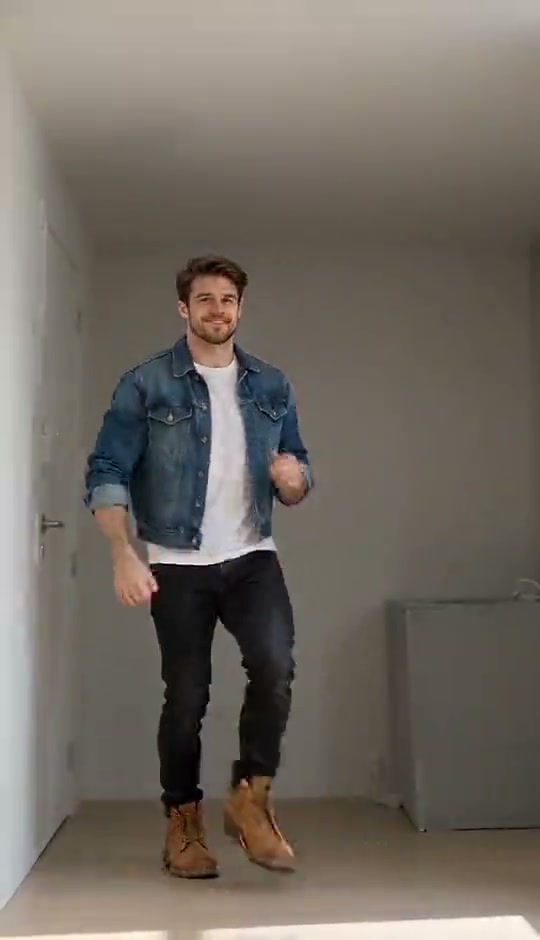
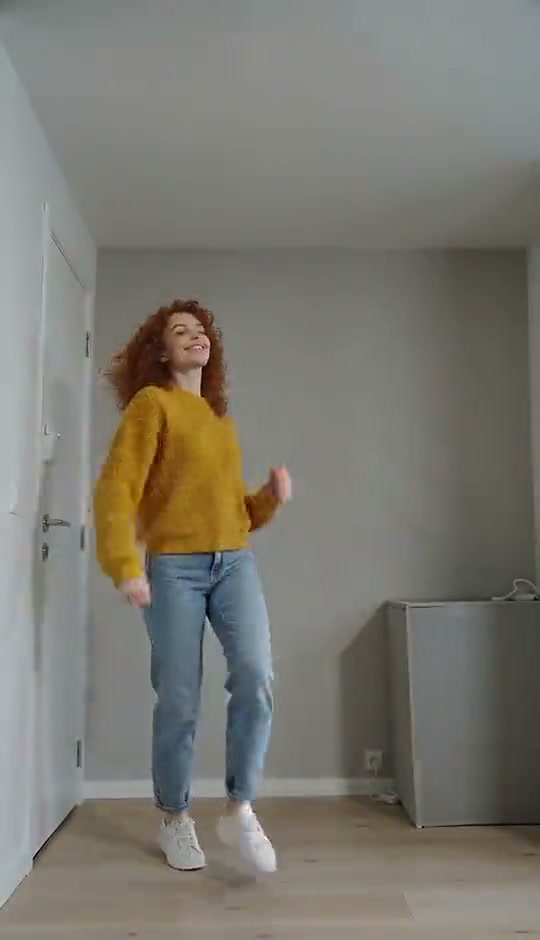
These supplied examples show the same solo routine with different appearances. The still image illustrates a moment from the reference.

Make the dance recognizable as you

Choose an everyday jacket, a bright jumper or an original character look. Toc Toc AI uses the same photo for the whole performer, so include the hairstyle, clothes and shoes you want together. A full-body image provides details for the knee lifts and turns; you do not need to copy the starting pose. Toc Toc AI takes choreography from the prepared clip. Small logos and hidden garment details may vary as the person moves.
Make the dance recognizable as you

Go from a still photo to a complete routine

Toc Toc AI gives your character a beginning, rhythmic changes and a finish without assembling separate shots. Bouncing footwork leads into hand gestures, quarter turns and heel kicks, with a simple room keeping attention on the performer. Use Toc Toc AI for a profile introduction, a group-chat reaction or a character reveal. For a birthday message, add a greeting after downloading.

Go from a still photo to a complete routine

Give the turns and footwork enough detail

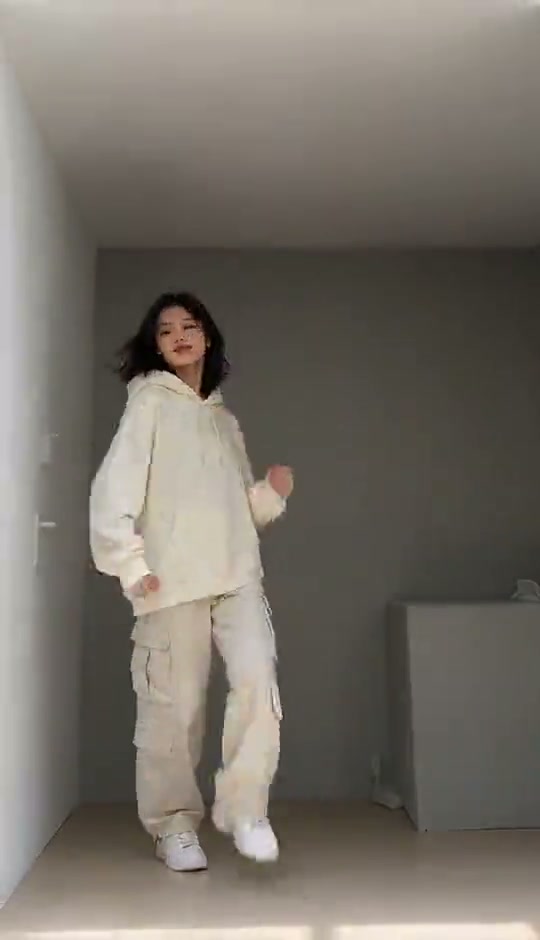
For Toc Toc AI, choose a sharp head-to-feet image with arms and legs clearly visible. A tight portrait leaves the outfit and shoes for the model to invent; a group photo makes the intended subject ambiguous. This reference frame shows the body turning while the feet keep the rhythm. Review your Toc Toc AI result through that transition, checking that the same person and outfit carry into the final steps. Clearer input helps, though results can still vary.

A frame from the reference showing the dancer turning with both shoes visible

What you choose in Toc Toc AI

Your image supplies the person. The prepared video supplies the sequence and setting.

One required dancer photo

Toc Toc AI uses one image to define the full performer. There are no optional partner, costume or room uploads on this page. Keep the outfit you want in the person photo.

One prepared eleven-second sequence

Every Toc Toc AI mode uses the same complete reference. Original follows its timing; Economy and Standard can interpret the movement differently. You do not need to choose or trim a segment.

A portrait clip with sound

The original soundtrack is included with the generated video. Toc Toc AI keeps the prepared room and camera framing; Settings controls the available mode and resolution, with the current cost shown before submission.

Toc Toc AI credits and plans

Check the quote on Generate for your selected mode and resolution. An account and sufficient credits are required. General plan examples below may use different models or lengths.

Starter

For your first ideas.

$8.3/month

$100.0 charged yearly

2,400 credits/year

Up to 400 images

GPT Image 2Nano Banana Pro

Up to 133 videos

Seedance 2.5Kling 3.0 Motion Control
  • Up to 4K images and HD videos, depending on the model
  • Image editing, video creation & motion transfer
  • Watermark-free image & video downloads
  • Generation history in your account
Popular40% OFFSave $238.8

Pro

For a steady creative flow.

$30.0/month$49.9/month

$360.0 charged yearly

21,600 credits/year

Up to 3,600 images

GPT Image 2Nano Banana Pro

Up to 1,200 videos

Seedance 2.5Kling 3.0 Motion Control
  • Up to 4K images and HD videos, depending on the model
  • Image editing, video creation & motion transfer
  • Watermark-free image & video downloads
  • Generation history in your account
  • Use credits across image and video models
Best Value50% OFFSave $599.8

Business

For more creations, more often.

$49.9/month$99.9/month

$599.0 charged yearly

48,000 credits/year

Up to 8,000 images

GPT Image 2Nano Banana Pro

Up to 2,666 videos

Seedance 2.5Kling 3.0 Motion Control
  • Up to 4K images and HD videos, depending on the model
  • Image editing, video creation & motion transfer
  • Watermark-free image & video downloads
  • Generation history in your account
  • Use credits across image and video models

Basic

$0

Try before you subscribe

  • 18 one-time signup credits
  • Generation history included
  • Watermarked previews & downloads
  • Up to 3 images or 1 video
  • Watermark-free downloads require payment

Prices in USD; taxes and total shown at checkout. Subscriptions renew automatically; cancel in Billing settings. Subscription credits expire each period; one-time credits never expire.

Refunds: request within 72 hours. Used purchased credits and applicable non-refundable processing costs (up to 6%) are deducted. Terms · Refund Policy

Toc Toc AI questions

Photos, the prepared sequence, settings and the finished video.

How do I make a Toc Toc AI video?

Upload one person photo in Dancer, choose a mode and resolution, and check the quote on Generate. Submit after signing in. Toc Toc AI already has the motion reference and instructions, and the completed result appears in My creations.

What photo works best for Toc Toc AI?

Use one well-lit full-body photo showing both feet, the hairstyle and intended outfit, with hands visible where possible. A simple background helps. A standing pose is fine; Toc Toc AI does not require you to be dancing already.

Does Toc Toc AI change the whole outfit?

The image guides the complete appearance, including clothing and footwear, throughout the routine. Put the desired outfit in the same photo as the person. Toc Toc AI has no separate wardrobe upload, and fine patterns or unseen surfaces can change during movement.

Can I make a two-person Toc Toc AI dance?

This tool uses the solo version. It has one required image slot and keeps one performer in the room. A photo containing two people will not create a duet. Choose a dedicated two-person template if you want to assign separate characters to a shared performance.

Do I need to learn the Toc Toc AI steps?

You can start with a still photo. The prepared reference supplies the footwork, hand movements, turns and timing. Toc Toc AI creates a video rather than a physical dance lesson, so there is no need to film yourself performing the move.

Can I change the Toc Toc AI song or room?

This page uses the sound and setting in the preview. It does not have a music picker or a background-photo slot. Listen to the source first. After downloading, you can add a permitted soundtrack or a personal message using your own editor.

How long is the Toc Toc AI video?

The reference and prepared output length are eleven seconds. All three modes use the full short clip, with no user trimming step. Toc Toc AI keeps the same dance choice when you change modes, although the generated movement and timing details may differ.

What should I check in my Toc Toc AI result?

Watch for shoes merging, hands changing shape near the face, or clothing changing after a turn. Replay the routine with sound. If the photo hides important details, try a clearer image; it improves the input without guaranteeing every movement.

How many credits does Toc Toc AI use?

The quote on Generate reflects your current mode and resolution. An account with sufficient credits is required to submit. Each new attempt uses credits. Previewing the reference or replaying a completed Toc Toc AI result does not start another generation.

Where do I download my Toc Toc AI dance?

Open the completed clip in My creations and download it. Preserve the full-body framing so the footwork stays visible.

Create your Toc Toc AI video

Upload your photo and bring your own look into the prepared scene.

A solo dancer in a cream outfit performing bouncing steps in a plain room