
Wipe Me Down AI Video Generator
Choose your dance partner and take turns owning the kitchen. Wipe Me Down AI turns two individual photos into a 15-second vertical dance with sound. Photo 1 opens the routine; Photo 2 jumps in around nine seconds.
0:00 / —:—
Wipe Me Down AI video ideas
Explore community remixes of this performance. Open a video for a closer look.
Partner handoff remix
What is Wipe Me Down AI?
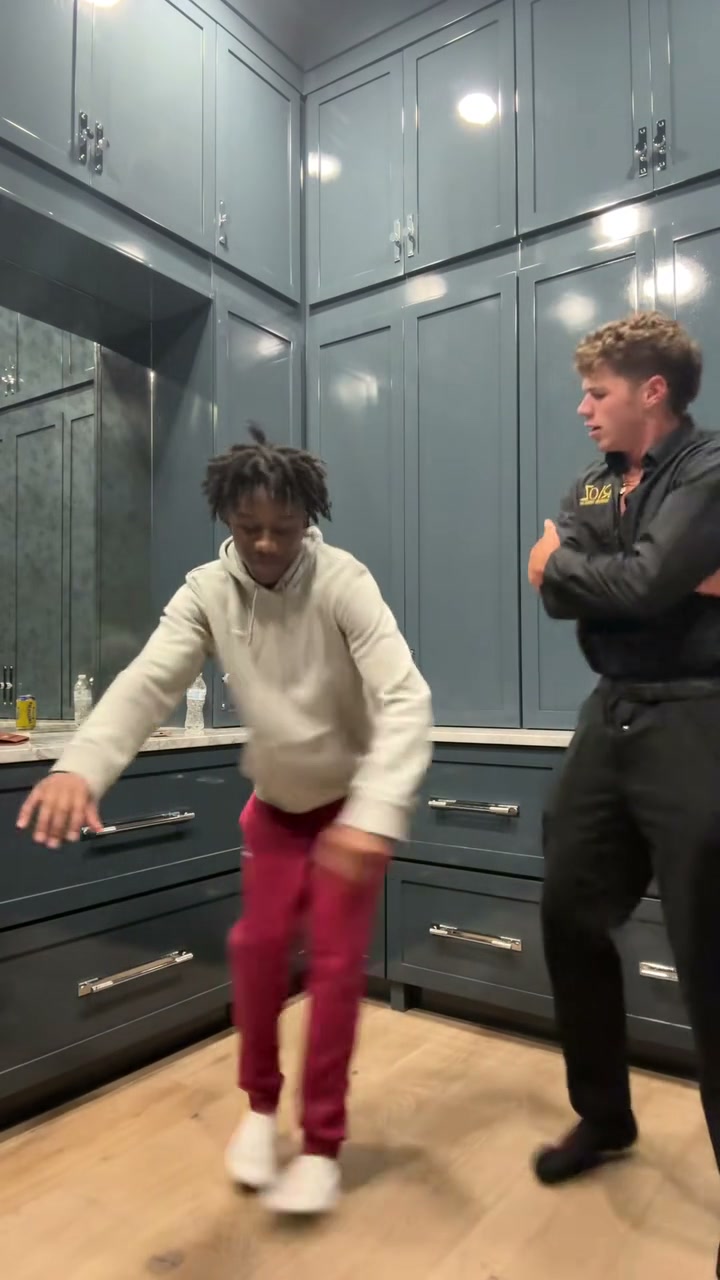
Wipe Me Down AI is a two-photo dance generator built around a kitchen relay: one dancer leans toward the camera, steps and bounces low while sweeping both hands downward, then a second dancer jumps forward to take over. On Motion Transfer, your photos guide both characters’ complete appearance and outfits. The prepared video supplies the kitchen, camera, movement, timing and sound. This Wipe Me Down AI page follows the specific 15-second performance shown here, with the opening dancer moving to the right as their partner takes the floor.
How to create a Wipe Me Down AI video
Prepare one individual photo for each Wipe Me Down AI role.
STEP 1
Choose the opening dancer
Add the first person to Photo 1. They replace the dancer in black nearest the camera at the start of Wipe Me Down AI, then step aside for their partner.
STEP 2
Add the second performer
Use Photo 2 for the person waiting by the back counter in the light hoodie and red trousers. This Wipe Me Down AI role jumps forward around nine seconds.
STEP 3
Generate and watch together
Review Settings and the quote on Generate. Sign in with sufficient credits, then watch your Wipe Me Down AI result through the handoff and ending before downloading.
What you can make with Wipe Me Down AI
Cast your duo, pass the dance floor to your partner and create a short kitchen performance with sound.
Put both of your looks into the dance
Make a shared moment with a friend, partner or family member without arranging a joint filming session. Wipe Me Down AI gives each participant a separate photo slot, so you can choose two distinct hairstyles, builds and outfits. The original black clothing, light hoodie and red trousers identify the roles; your pictures supply the replacement looks. Choose who opens with the close-up performance and who gets the later entrance. Wipe Me Down AI keeps that casting order through the scene, including the moment when both people are visible together. Use photos of willing participants you have permission to edit.
Make the handoff the highlight
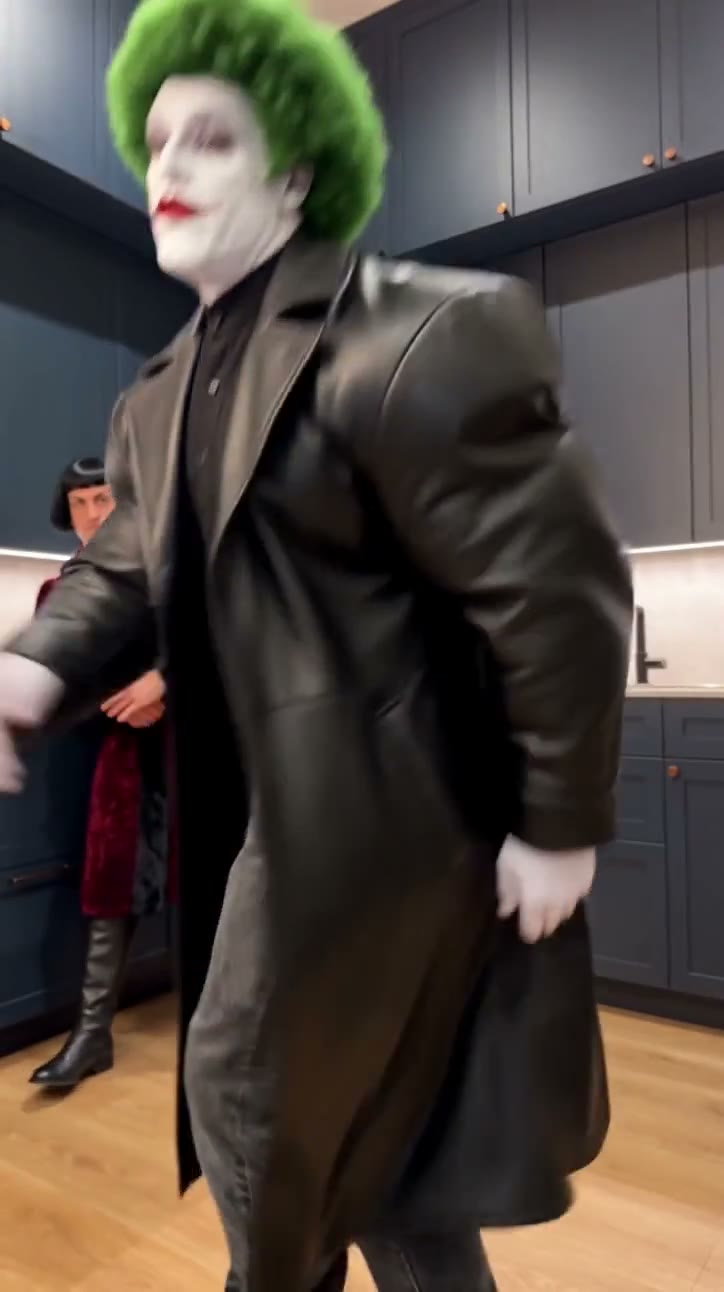
The second entrance gives this duet its playful payoff. Wipe Me Down AI follows the opening dancer’s low bounce and downward hand sweeps, then the partner’s jump into the foreground around the nine-second mark. The first performer stays at the right to watch, giving your clip an interaction as well as two solo moments. You do not need to film either routine or time the entrance yourself. This Wipe Me Down AI template keeps the relay in one continuous kitchen shot; there is no transition cut or scene change to set up.
Create a Wipe Me Down AI short with sound
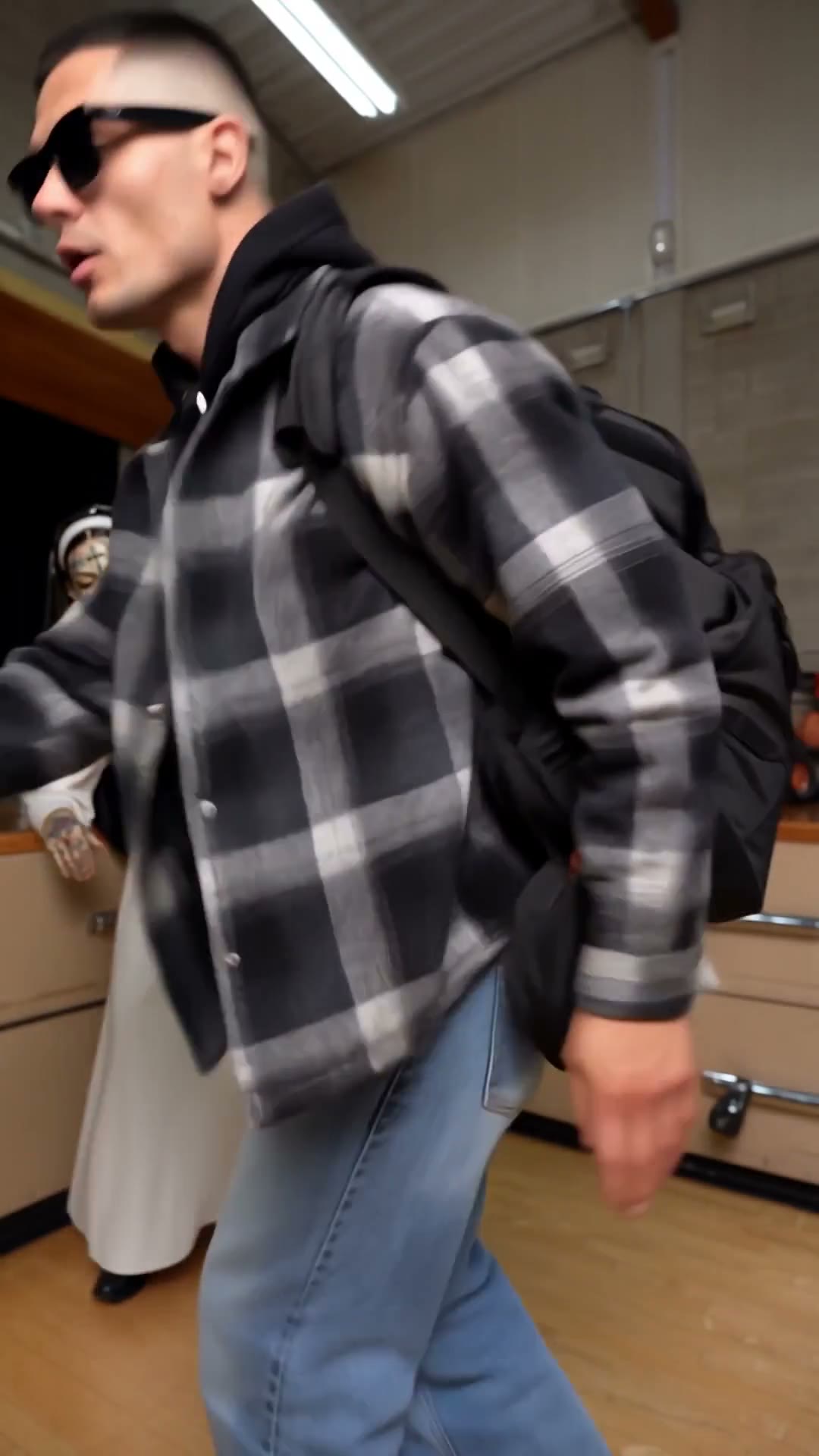
Turn the two-person performance into a quick group-chat surprise or a playful couple’s dance post. Wipe Me Down AI follows the 15-second, 9:16 reference and includes its sound, so the entrance and the response stay part of the same short video. Watch and download your finished clip from My creations. The reference ends while the second dancer is still moving, which can suit an informal dance post more than a posed greeting. The community remixes show the same relay in roughly 14-second variations, with some room details changed. Your generation follows the original 15-second kitchen reference; output details can vary.
Your Wipe Me Down AI choices
Two photos define the cast. The prepared performance defines the scene and interaction.
Two distinct appearances
Wipe Me Down AI uses each photo for a complete character, including hair, body and clothes. Choose looks that are easy to distinguish when the dancers cross near the handoff.
One familiar kitchen
The fixed camera and blue-gray kitchen stay with the routine. Wipe Me Down AI has no background upload, room selector or alternate choreography control on this page.
Resolution and credit quote
Choose an available resolution in Settings and review the current quote. Wipe Me Down AI follows the reference length and portrait frame; there is no separate duration or music selector.
Wipe Me Down AI credits
An account and sufficient credits are required to generate. Check the quote for your selected resolution before submitting. Plan examples below may use other models or video lengths.
Starter
For your first ideas.
$8.3/month
$100.0 charged yearly
2,400 credits/year
Up to 400 images
GPT Image 2Nano Banana Pro
Up to 133 videos
Seedance 2.5Kling 3.0 Motion Control
- Up to 4K images and HD videos, depending on the model
- Image editing, video creation & motion transfer
- Watermark-free image & video downloads
- Generation history in your account
Popular40% OFFSave $238.8
Pro
For a steady creative flow.
$30.0/month$49.9/month
$360.0 charged yearly
21,600 credits/year
Up to 3,600 images
GPT Image 2Nano Banana Pro
Up to 1,200 videos
Seedance 2.5Kling 3.0 Motion Control
- Up to 4K images and HD videos, depending on the model
- Image editing, video creation & motion transfer
- Watermark-free image & video downloads
- Generation history in your account
- Use credits across image and video models
Best Value50% OFFSave $599.8
Business
For more creations, more often.
$49.9/month$99.9/month
$599.0 charged yearly
48,000 credits/year
Up to 8,000 images
GPT Image 2Nano Banana Pro
Up to 2,666 videos
Seedance 2.5Kling 3.0 Motion Control
- Up to 4K images and HD videos, depending on the model
- Image editing, video creation & motion transfer
- Watermark-free image & video downloads
- Generation history in your account
- Use credits across image and video models
Basic
$0Try before you subscribe
- 18 one-time signup credits
- Generation history included
- Watermarked previews & downloads
- Up to 3 images or 1 video
- Watermark-free downloads require payment
Prices in USD; taxes and total shown at checkout. Subscriptions renew automatically; cancel in Billing settings. Subscription credits expire each period; one-time credits never expire.
Refunds: request within 72 hours. Used purchased credits and applicable non-refundable processing costs (up to 6%) are deducted. Terms · Refund Policy
Wipe Me Down AI questions
Photo order, the relay scene and what to expect from your clip.
Which photo goes first in Wipe Me Down AI?
Photo 1 replaces the opening dancer in black, initially closest to the camera. Photo 2 replaces the person in the light hoodie and red trousers beside the back counter. That second person moves forward around nine seconds. Choose your photos by these roles rather than left and right: their positions change during the routine.
Does Wipe Me Down AI need two separate photos?
Yes. Upload one person per photo, with a clear face, hair, body outline and visible clothing. A sharp half-body or wider portrait gives more useful outfit detail than a tight face crop. A group photo does not assign the roles separately. If your starting picture contains both people, prepare an individual image for each slot.
Can Wipe Me Down AI use our own outfits?
Each photo guides that character’s complete appearance, including clothing and accessories. The source clothes identify who you are replacing; you do not need matching black clothes or red trousers. Hidden body and clothing details still need interpretation, so use images that show the looks you want and review the generated movement for changes.
Is Wipe Me Down AI a mirror-wiping transformation?
This page creates the two-person kitchen dance relay shown in the preview. It has low bouncing, downward hand sweeps and a partner taking over mid-clip. It does not offer an outfit reveal behind a wiped mirror. Preview the complete routine to confirm the movement and scene match the version you want.
Does Wipe Me Down AI include sound?
The completed video includes the sound from this kitchen reference. Use the preview controls to listen if playback starts muted. You do not upload a track or select a song here. The page does not grant music or footage permissions, so check the rights needed for your intended use before publishing.
Can I change the Wipe Me Down AI background or length?
This template follows a 15-second vertical reference with a fixed kitchen and camera. It has no room selector, custom background input or duration control. Both the role handoff and the ending belong to that sequence. For a different performance or scene, use the Motion Transfer homepage with a suitable reference video.
What should I review in my Wipe Me Down AI video?
Watch both identities and outfits, especially around the jump and handoff. Check hands during the low sweeping movement, overlapping bodies, the kitchen reflections and the second dancer’s final steps. The instructions request consistent roles, but generation can change small details. A successful task does not guarantee perfect likeness or exact movement.
Can I preview Wipe Me Down AI before spending credits?
You can watch the reference and inspect the photo roles before generating. Selecting photos does not submit a request. Sign in and check the Generate quote before committing credits. A fresh version with different photos is a new generation; review the current result before deciding whether to create another.
Make your Wipe Me Down AI duet
Pick who opens, choose who takes over and bring both of your looks into the kitchen dance.