Create a video

Opening dancer · Photo 1
Dance partner · Photo 2

A2O LITE NEON AI Dance Generator

Two photos, one A2O LITE NEON AI Dance duet. Give each dancer their own look and outfit in this white-studio routine. The choreography, camera moves and original sound are ready—no filming together or prompt writing needed.

0:00 / —:—

A2O LITE NEON AI Dance video ideas

Explore community remixes of this performance. Open a video for a closer look.

What is A2O LITE NEON AI Dance?

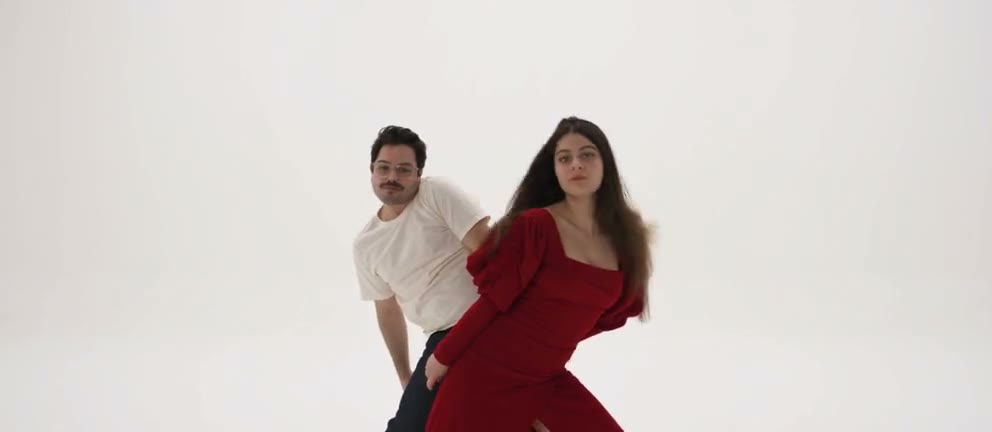
A2O LITE NEON AI Dance turns two separate photos into a duet in a white studio. One dancer opens alone before the second joins the routine, with hand close-ups, turns and a shared final pose. Your photos define each dancer’s complete appearance and clothing; the prepared performance supplies the choreography, camera movement and original sound for a roughly fifteen-second video.

Photo 1 corresponds to the glasses-wearing dancer on the right; Photo 2 to the long-haired dancer on the left

How to create an A2O LITE NEON AI Dance video

Add one photo for each dancer. The performance reference is already loaded.

  1. STEP 1

    Choose two individual photos

    For A2O LITE NEON AI Dance, upload one person per photo. Photo 1 takes the opening solo; Photo 2 joins behind. Clear hair, body and clothing give the model more appearance detail than a tightly cropped selfie.

  2. STEP 2

    Generate your A2O LITE NEON AI Dance

    Choose an available resolution in Settings, review the credits on Generate and sign in to submit. Selecting photos alone does not spend generation credits.

  3. STEP 3

    Watch, check and download

    Find your A2O LITE NEON AI Dance result in My creations. Check both people through the close-ups and final pose, turn on sound, then download the video.

Make A2O LITE NEON AI Dance your own

Choose both dancers, join the prepared choreography and get the complete performance with its original sound. Community examples illustrate different casts.

Choose your A2O LITE NEON AI Dance duo

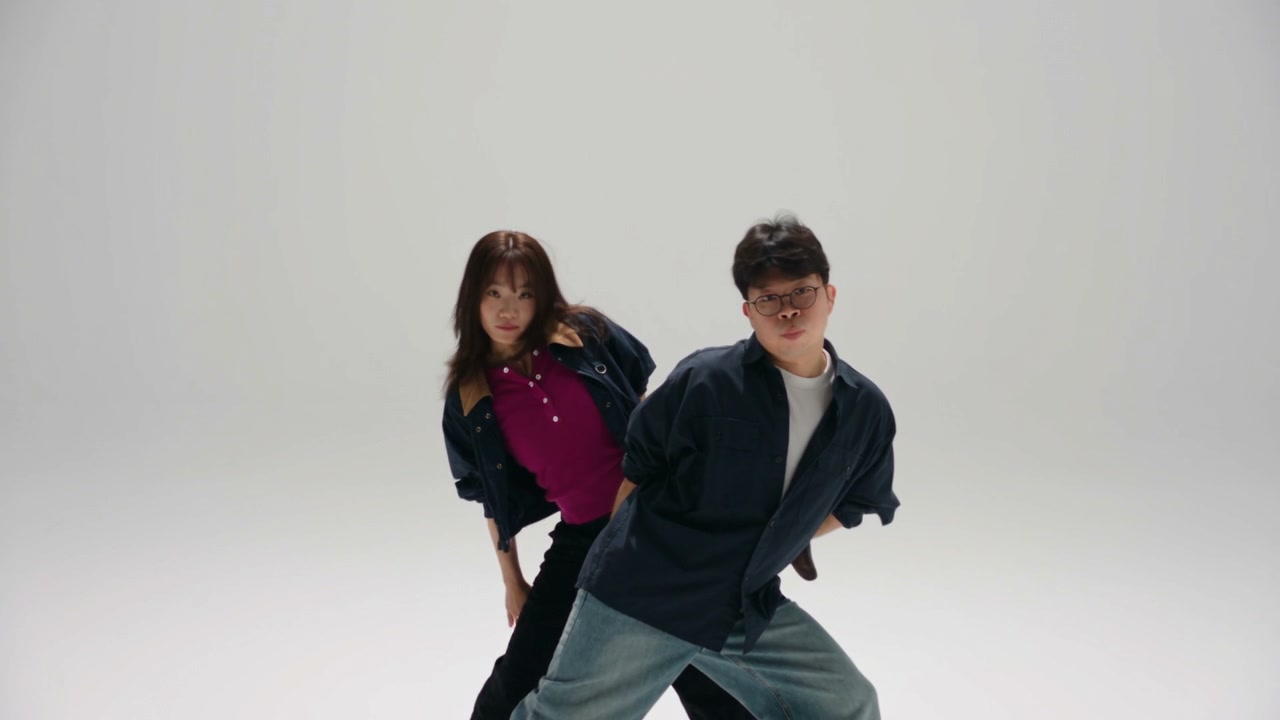
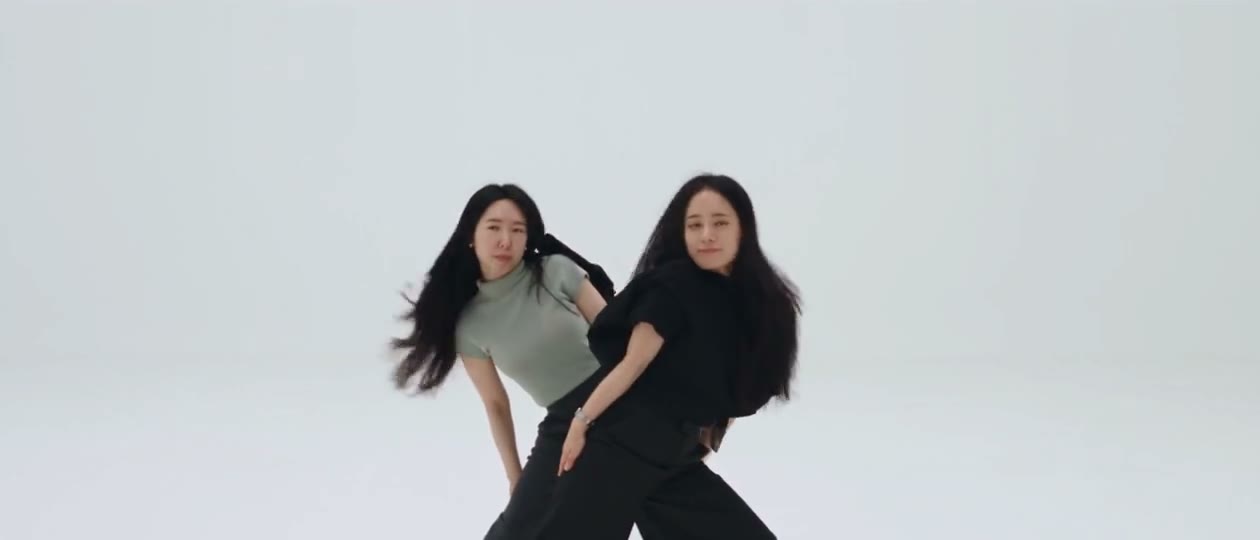
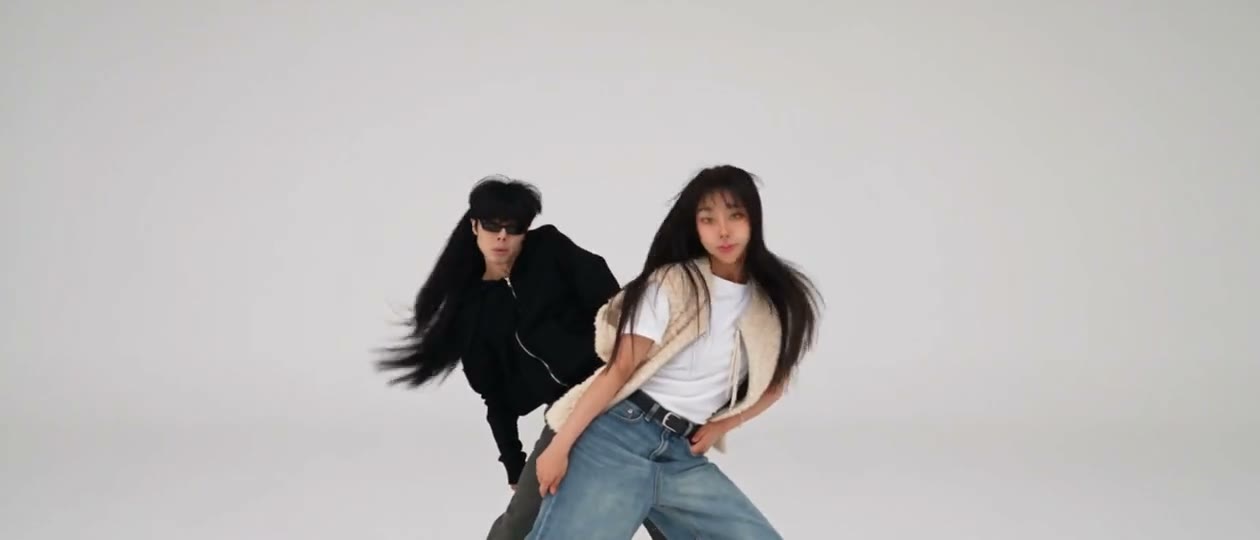
A2O LITE NEON AI Dance gives you and a consenting friend separate roles. Photo 1 follows the opening dancer; Photo 2 follows the dancer who enters behind. Separate photos let you choose both people and their outfits without arranging a shared shoot or taking a group picture.
Choose your A2O LITE NEON AI Dance duo

Join A2O LITE NEON AI Dance without rehearsing

A2O LITE NEON AI Dance provides the solo entrance, hand gestures, tilted camera and low poses. You do not need dance footage, a white studio or a choreography prompt. Your selected duo takes part in the same performance, with each photo guiding its assigned dancer throughout the sequence.

Join A2O LITE NEON AI Dance without rehearsing

Get the full duet with the original sound

Your A2O LITE NEON AI Dance result includes the original soundtrack and the routine through the final two-person pose. Preview and download your version for a duet post or a message to your dance partner. Check both appearances through the turns and overlapping poses before sharing.

Get the full duet with the original sound

What A2O LITE NEON AI Dance changes

Bring two people into a prepared performance without recording a dance cover.

Two complete appearances

Each A2O LITE NEON AI Dance photo supplies one dancer’s appearance and outfit. The instructions keep that assignment through position changes, so you can choose a different look for each person.

The same choreography and studio

A2O LITE NEON AI Dance follows the source hand gestures, turns, high-low poses, close-ups and white background. This template has no background upload or choreography selector.

A landscape clip with the reference sound

A2O LITE NEON AI Dance follows an approximately 15-second, 16:9 reference. Its soundtrack is added after the video is generated. You do not need to upload music or edit an audio timeline.

A2O LITE NEON AI Dance credits

Generation requires an account and enough credits. The amount on Generate reflects the selected resolution and reference duration; plan examples below can use other models or lengths.

Starter

For your first ideas.

$8.3/month

$100.0 charged yearly

2,400 credits/year

Up to 400 images

GPT Image 2Nano Banana Pro

Up to 133 videos

Seedance 2.5Kling 3.0 Motion Control
  • Up to 4K images and HD videos, depending on the model
  • Image editing, video creation & motion transfer
  • Watermark-free image & video downloads
  • Generation history in your account
Popular40% OFFSave $238.8

Pro

For a steady creative flow.

$30.0/month$49.9/month

$360.0 charged yearly

21,600 credits/year

Up to 3,600 images

GPT Image 2Nano Banana Pro

Up to 1,200 videos

Seedance 2.5Kling 3.0 Motion Control
  • Up to 4K images and HD videos, depending on the model
  • Image editing, video creation & motion transfer
  • Watermark-free image & video downloads
  • Generation history in your account
  • Use credits across image and video models
Best Value50% OFFSave $599.8

Business

For more creations, more often.

$49.9/month$99.9/month

$599.0 charged yearly

48,000 credits/year

Up to 8,000 images

GPT Image 2Nano Banana Pro

Up to 2,666 videos

Seedance 2.5Kling 3.0 Motion Control
  • Up to 4K images and HD videos, depending on the model
  • Image editing, video creation & motion transfer
  • Watermark-free image & video downloads
  • Generation history in your account
  • Use credits across image and video models

Basic

$0

Try before you subscribe

  • 18 one-time signup credits
  • Generation history included
  • Watermarked previews & downloads
  • Up to 3 images or 1 video
  • Watermark-free downloads require payment

Prices in USD; taxes and total shown at checkout. Subscriptions renew automatically; cancel in Billing settings. Subscription credits expire each period; one-time credits never expire.

Refunds: request within 72 hours. Used purchased credits and applicable non-refundable processing costs (up to 6%) are deducted. Terms · Refund Policy

A2O LITE NEON AI Dance questions

What to upload, what stays fixed, and what to check in your result.

Can I create A2O LITE NEON AI Dance without filming?

Yes. Upload two still photos, one person in each. A2O LITE NEON AI Dance supplies the performance and instructions. Your photos guide the dancers’ complete appearances and clothing while the reference guides their movements.

How are roles assigned in A2O LITE NEON AI Dance?

Photo 1 follows the glasses-wearing dancer who appears alone at the start and then dances in front. Photo 2 follows the long-haired dancer who appears behind. Those assignments stay with the original characters when the camera or their positions change.

What photos suit A2O LITE NEON AI Dance?

Use sharp, well-lit photos with one person in each and their hair and outfit visible. A full-body or knees-up view provides more clothing detail than a close selfie. Avoid collages and heavy occlusion. The two photos can be taken separately; you do not need to stand together.

Does A2O LITE NEON AI Dance keep both appearances consistent?

The instructions ask for consistent people and outfits from the opening to the final pose. AI can still alter hands, glasses, hair or clothing during fast motion. Review the hand close-up, overlapping bodies and final shot before sharing; an exact likeness or flawless movement is not guaranteed.

Does A2O LITE NEON AI Dance include music?

A2O LITE NEON AI Dance restores the reference audio after generating the visuals. The preview starts muted; click it to hear the soundtrack. There is no music picker. If a completed task offers audio recovery, use that action instead of starting another generation just to restore sound.

Can I customize the A2O LITE NEON AI Dance scene?

A2O LITE NEON AI Dance uses the fixed white-studio scene and roughly 15-second landscape reference. Settings lets you choose an available resolution, but there is no independent background, duration or aspect-ratio selector. For your own motion reference, use the Motion Transfer homepage.

Is the A2O LITE NEON AI Dance generator free?

You can preview the reference before submitting. Creating a video requires signing in and enough credits for the quote on Generate. Each new generation is a separate job; watching or downloading an existing result does not start another one.

Can I share my A2O LITE NEON AI Dance video?

Use photos you have permission to edit and check the source video and soundtrack rights for your intended use. This is an independent Motion Transfer template, with no implied artist or label endorsement. The preview is the supplied reference, not a verified result generated by this page.

Choose your NEON dance partner

Add two photos and bring your duo into the white-studio performance.

Two dancers performing synchronized gestures in a white studio in the supplied NEON reference