
Archery AI Video Generator
Put your character into a short archery-themed edit. Archery AI uses one photo across bow handling, indoor portraits, a car-window shot and garden moments. Keep the prepared cuts and reference sound in a roughly 14-second square video.
0:00 / —:—
Archery AI video ideas
Explore community remixes of this performance. Open a video for a closer look.
Community character · opening excerpt
What is Archery AI?
Archery AI is a photo-to-video character montage built around archery imagery and a recurring main subject. It combines bow-handling close-ups with indoor, car and garden shots. On Motion Transfer, one uploaded photo supplies the lead's complete appearance and clothing across those scenes, while the prepared reference supplies the actions, framing, cuts and sound. Your Archery AI result is a roughly 14-second square character edit. Choose it when you want an expressive montage with an archery theme; the scene does not provide a full sporting performance, a training demonstration or a target-hit sequence.
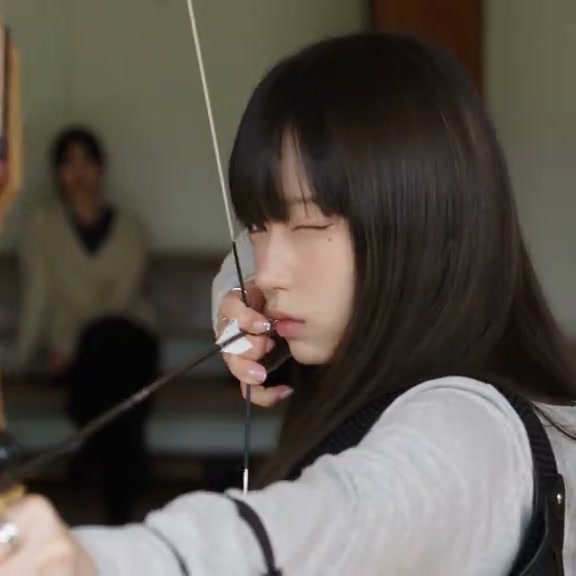
How to create an Archery AI video
The reference is ready. Choose the character and review the result.
STEP 1
Choose your Archery AI photo
Choose one clear image of the intended person with face, hair and clothing visible. Archery AI uses that person throughout the montage. A group picture leaves the main subject ambiguous; use an image you have permission to edit.
STEP 2
Review your Archery AI settings
Choose an available resolution in Settings, check the credit quote on Generate and sign in to submit. The prepared reference supplies the action and sound; you do not need to write a prompt.
STEP 3
Watch and download your Archery AI clip
Watch your Archery AI result through every location, including the car shot. Check identity across cuts, fingers around the bow and the sound. Download the completed montage from My creations when it is ready to share.
Archery AI in motion
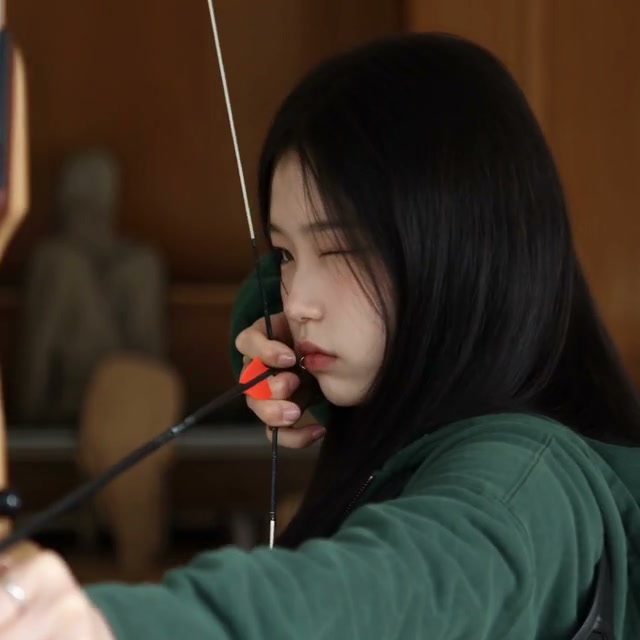
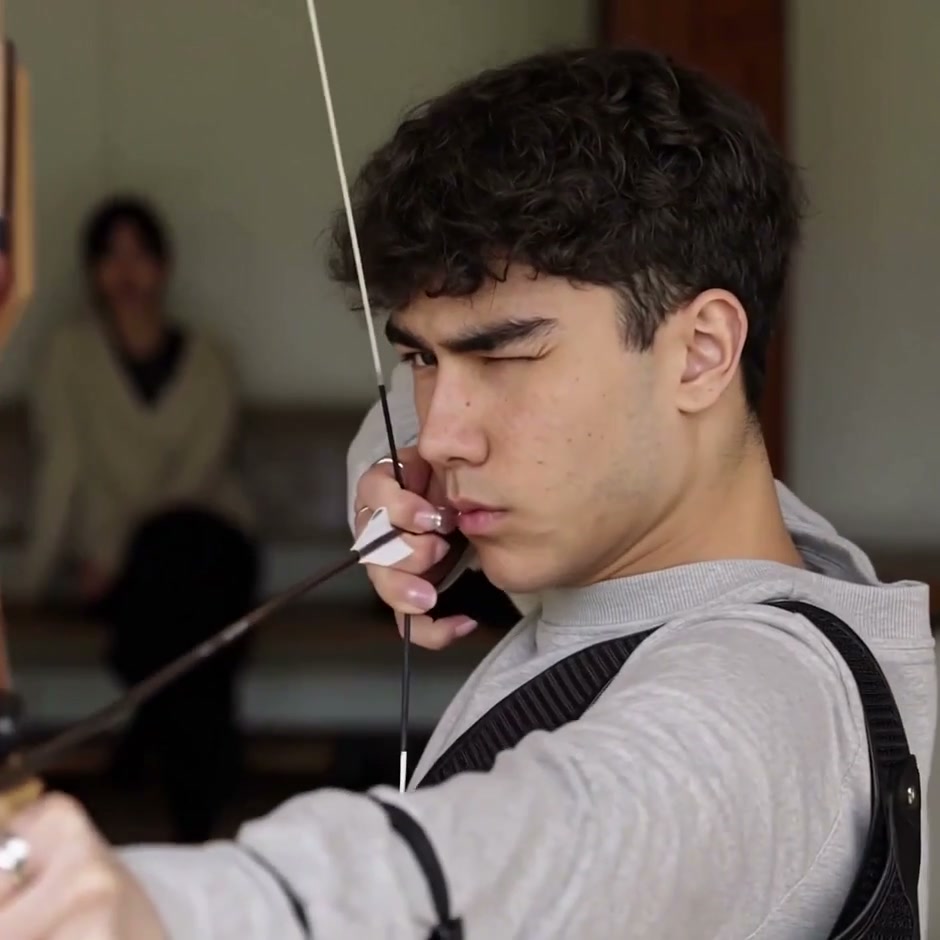
One recurring character, several brief scenes. Two community archery excerpts show alternate leads; the full reference defines your result's shot sequence.
Give one character a complete screen presence
Archery AI carries one identity through the bowstring close-up, indoor turns and outdoor glances. Your photo supplies hairstyle, body proportions and clothing as well as the face. Use the sequence for a personal profile edit or fictional character introduction, with a familiar look linking its different locations and camera angles.
Get the rhythm of a character montage
Archery AI moves from a concentrated bow-handling opening into quieter portraits and reactions, including car-window and garden shots. You get a compact character edit without collecting and cutting separate clips. The original shot order gives the montage its rhythm; watch the full square preview to decide whether that sequence fits your story.
Share a short edit with its original sound
Archery AI combines the generated picture with the reference audio in a downloadable square clip. The framing keeps faces, bow handling and reactions on a consistent canvas for messages or social posts. The two community excerpts demonstrate the opening; the complete result also follows the indoor, car and garden scenes in the main preview.
Is Archery AI right for your idea?
Choose the prepared sequence when its particular action fits your intended video.
A character edit with an archery theme
Archery AI suits a profile video or character introduction. The bow establishes the theme, while indoor and garden moments add expressions beyond the concentrated opening.
One identity across all locations
Archery AI takes one photo for the recurring lead. It keeps other people and the surrounding scenes from the reference. There is no separate cast list for each shot, no second-person slot and no setting that moves the entire montage to another location.
A separate reference for a sporting sequence
For a continuous draw, release and target view, use your own suitable video on the homepage. Archery AI keeps its prepared montage and does not estimate accuracy or teach technique.
Archery AI credits and plans
Archery AI requires an account and sufficient credits. Generate shows the quote for the selected resolution and reference duration. Plan examples may describe other models or video lengths.
Starter
For your first ideas.
$8.3/month
$100.0 charged yearly
2,400 credits/year
Up to 400 images
GPT Image 2Nano Banana Pro
Up to 133 videos
Seedance 2.5Kling 3.0 Motion Control
- Up to 4K images and HD videos, depending on the model
- Image editing, video creation & motion transfer
- Watermark-free image & video downloads
- Generation history in your account
Popular40% OFFSave $238.8
Pro
For a steady creative flow.
$30.0/month$49.9/month
$360.0 charged yearly
21,600 credits/year
Up to 3,600 images
GPT Image 2Nano Banana Pro
Up to 1,200 videos
Seedance 2.5Kling 3.0 Motion Control
- Up to 4K images and HD videos, depending on the model
- Image editing, video creation & motion transfer
- Watermark-free image & video downloads
- Generation history in your account
- Use credits across image and video models
Best Value50% OFFSave $599.8
Business
For more creations, more often.
$49.9/month$99.9/month
$599.0 charged yearly
48,000 credits/year
Up to 8,000 images
GPT Image 2Nano Banana Pro
Up to 2,666 videos
Seedance 2.5Kling 3.0 Motion Control
- Up to 4K images and HD videos, depending on the model
- Image editing, video creation & motion transfer
- Watermark-free image & video downloads
- Generation history in your account
- Use credits across image and video models
Basic
$0Try before you subscribe
- 18 one-time signup credits
- Generation history included
- Watermarked previews & downloads
- Up to 3 images or 1 video
- Watermark-free downloads require payment
Prices in USD; taxes and total shown at checkout. Subscriptions renew automatically; cancel in Billing settings. Subscription credits expire each period; one-time credits never expire.
Refunds: request within 72 hours. Used purchased credits and applicable non-refundable processing costs (up to 6%) are deducted. Terms · Refund Policy
Archery AI questions
Photo selection, the fixed sequence, sound and reviewing your result.
What does Archery AI create?
Archery AI creates a short character montage with bow handling, indoor portraits, a car-window moment and garden scenes. Your photo changes the recurring lead's appearance and clothing. The main preview shows the sequence the tool will follow.
How many photos does Archery AI require?
Upload one image of one person. Archery AI carries that chosen look across the different shots. You do not need a separate portrait for the garden or car scene, and there is no optional second-character input on this page.
What photo should I use with Archery AI?
Use a sharp, evenly lit image with a clear face, visible hair and enough of the outfit to establish the look you want. Archery AI must infer anything outside the crop. A generous upper-body or full-body view provides more information than a tightly cropped face.
Does Archery AI replace the outfit as well?
Yes. Archery AI uses your photo for the complete character and clothing throughout the montage. The bow and arrows remain scene props. Small details can change between generated shots, so review clothing and hair in both the indoor and outdoor scenes.
Is Archery AI a complete archery performance?
The reference is a montage with archery scenes among several portraits and reactions. Archery AI preserves those cuts. It does not offer a continuous demonstration, a selectable target, an accuracy score or a guarantee that an arrow follows a newly specified path.
Does Archery AI include audio?
Yes. Archery AI includes audio from the prepared reference with the generated video. Use the preview sound control to listen before choosing the effect. The tool does not clone the uploaded person's voice or provide a separate dialogue field.
Can I change the Archery AI duration or camera shots?
Archery AI follows the roughly 14-second square reference and its existing shot order. Settings offers available output resolutions. A larger output does not add scenes or recover source detail; the reference itself is a modest-resolution square clip.
Are the Archery AI examples the full output?
The community examples show short opening excerpts from related character edits. Archery AI generates against the full reference displayed above, which also includes the indoor, car and garden moments. Community footage illustrates the scene and is not a guarantee of your own result.
What should I inspect in my Archery AI clip?
Check fingers near the string, the bow's shape, identity across cuts and hand contact in the garden. Close interactions can produce artifacts; review them before sharing.
What does Archery AI cost?
Archery AI requires an account and enough credits for the current Generate quote. The quote depends on the reference duration and selected resolution. Check it before submitting; uploading a photo alone does not start a task. A new generation creates a separate request.
Can I post an Archery AI video?
Use a photo you have permission to edit and review the finished Archery AI clip before sharing. Follow the destination platform's AI-labeling rules and check the reference footage and audio rights for your intended use. The tool does not grant additional commercial permissions.
Create your own Archery AI character edit
Choose one photo, review the prepared reference and make the scene personal.