Create a video

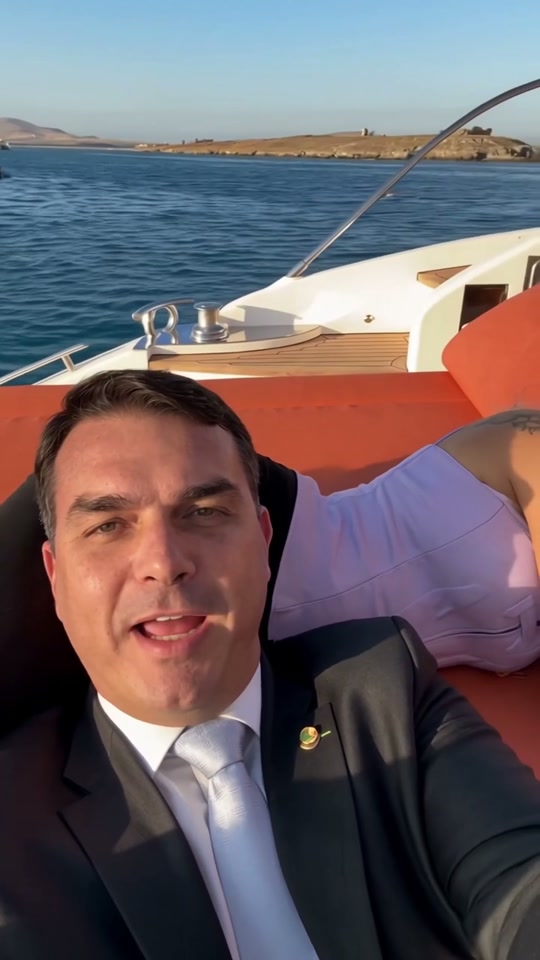
Selfie taker · Photo 1
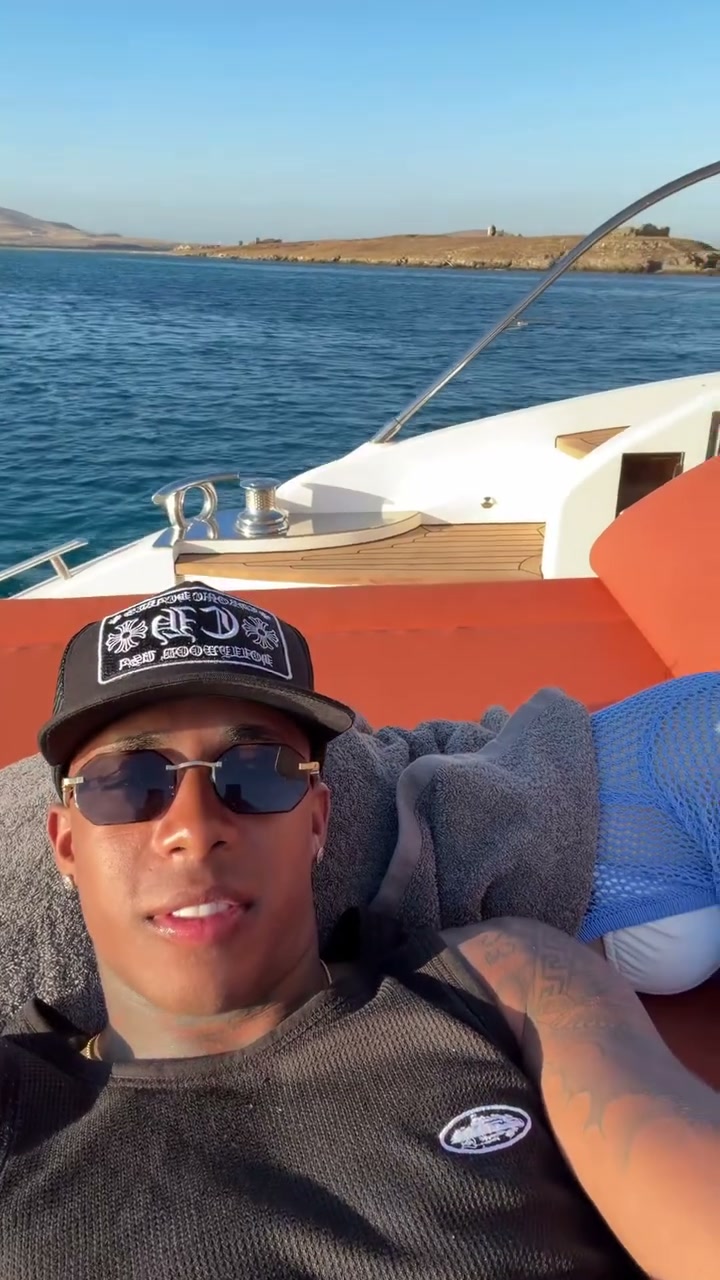
Reclining companion · Photo 2

Yacht Selfie AI Video Generator

Two photos, one relaxed escape. Use Yacht Selfie AI to put your chosen pair on the orange cushions of a yacht, with a handheld sweep of the sea and the original sound. Choose the selfie taker and companion separately.

0:00 / —:—

Yacht Selfie AI video ideas

Explore community remixes of this performance. Open a video for a closer look.

What is Yacht Selfie AI?

Yacht Selfie AI is a two-person video effect built around a casual boat selfie. The camera starts with one person in the foreground, turns toward a reclining companion, sweeps across the sunlit water and returns to the selfie taker. On Motion Transfer, two separate photos define the people’s full appearances, hair, bodies and clothing. The prepared reference supplies the yacht, orange cushions, relaxed gestures, handheld camera path and sound. Yacht Selfie AI creates a portrait clip of about 14 seconds without requiring you to film on a boat or record the two people together.

Two people relaxing on orange yacht cushions while a selfie camera pans across the sunset sea and back

How to create Yacht Selfie AI

Prepare two individual photos before starting your Yacht Selfie AI scene.

  1. STEP 1

    Choose the selfie taker

    Upload Photo 1 for the foreground person holding the camera. Pick an image with a clear face, hairstyle and the clothing you want Yacht Selfie AI to use.

  2. STEP 2

    Add the reclining companion

    Upload Photo 2 for the person beside them on the cushions. Show one person clearly, with enough of their body and outfit visible to define the second Yacht Selfie AI role.

  3. STEP 3

    Review and generate

    Watch the reference, select an available resolution and check the credit quote. Sign in with enough credits, generate, then review your Yacht Selfie AI result in My creations before downloading.

Make the Yacht Selfie AI moment your own

Choose your two characters and let the prepared camera movement connect them with the seaside setting.

Bring two separate looks into one shared moment

Cast yourself with a willing friend or partner, or pair two original characters for a playful vacation scene. Yacht Selfie AI gives each person a separate photo slot, so their outfits can be chosen independently. The first photo belongs to the person taking the selfie; the second belongs to the companion resting beside them. You do not need a joint photograph. This makes Yacht Selfie AI useful when you have two individual portraits and want a short scene that connects them through the camera’s movement, rather than a static side-by-side picture.
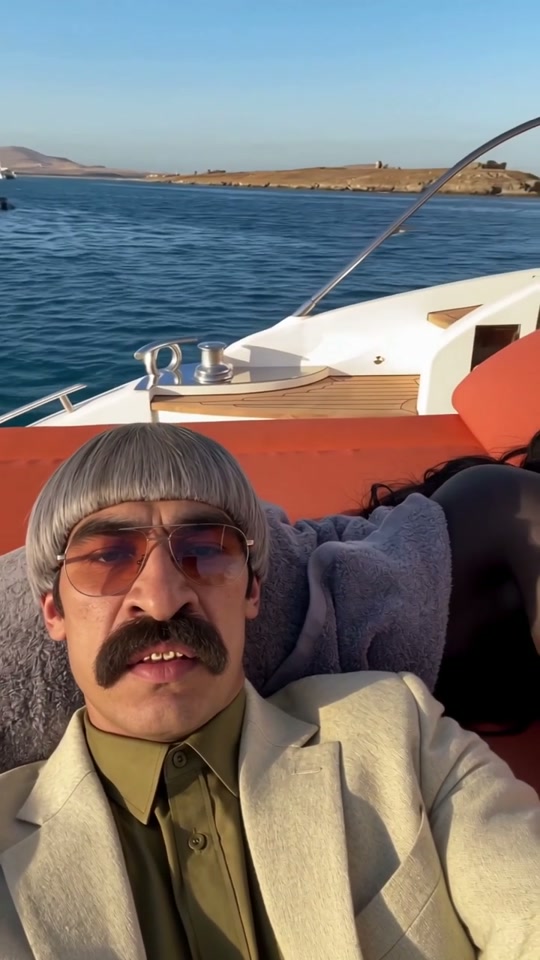
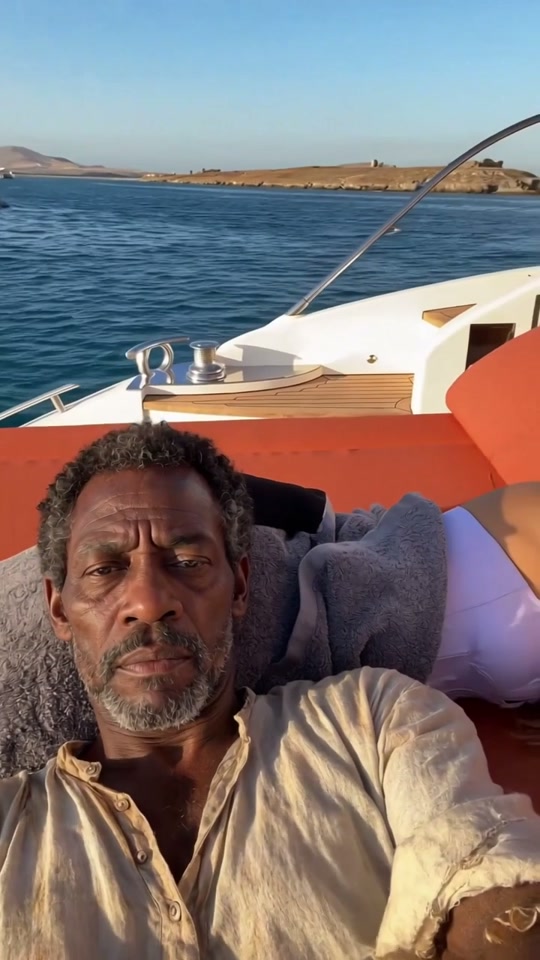
Bring two separate looks into one shared moment

Let the camera reveal the setting

The view moves from faces and cushions to open water, the low sun and the boat’s wake. Yacht Selfie AI carries that change of view into your version, giving the clip a handheld, in-the-moment feeling. The people remain the focus even when one leaves the frame. This is a prepared camera sequence, so you can concentrate on choosing a pair instead of planning a shot list. Yacht Selfie AI follows the displayed setting and timing; it does not offer a different yacht, destination or camera route in this template.

Let the camera reveal the setting

Create a small vacation story with sound

Use Yacht Selfie AI for an imagined getaway, a character vignette or a lighthearted message to someone who would enjoy sharing the scene. The portrait format keeps the pair close while still showing the sea around them. Reference sound is added to the generated video, so the result has an accompanying track without a separate audio upload. Download the finished clip, watch the camera’s return to the foreground person and decide on a caption outside the generator. Yacht Selfie AI results can vary; the community examples show interpretations of the scene and do not guarantee your output.

Create a small vacation story with sound

What your Yacht Selfie AI photos control

The photos define the cast. The prepared clip defines the scene they share.

Two complete character looks

Yacht Selfie AI uses appearance and clothing from both images. A swimsuit is optional; the photos can define casual clothes or a more unexpected outfit. Details partly hidden in the images may be inferred.

Separate, stable roles

Photo 1 remains the selfie taker and Photo 2 remains the companion in Yacht Selfie AI. Assign them by their actions, not their position on your screen as the handheld view tilts and turns.

A fixed boat scene

Yacht Selfie AI keeps the orange cushions, water, sunset and reference camera path. There is no upload slot for a different boat, an extra passenger or replacement music.

Yacht Selfie AI credits

Generating requires an account and sufficient credits. Use the quote beside Generate for your selected resolution; general plan examples can use different video lengths or models.

Starter

For your first ideas.

$8.3/month

$100.0 charged yearly

2,400 credits/year

Up to 400 images

GPT Image 2Nano Banana Pro

Up to 133 videos

Seedance 2.5Kling 3.0 Motion Control
  • Up to 4K images and HD videos, depending on the model
  • Image editing, video creation & motion transfer
  • Watermark-free image & video downloads
  • Generation history in your account
Popular40% OFFSave $238.8

Pro

For a steady creative flow.

$30.0/month$49.9/month

$360.0 charged yearly

21,600 credits/year

Up to 3,600 images

GPT Image 2Nano Banana Pro

Up to 1,200 videos

Seedance 2.5Kling 3.0 Motion Control
  • Up to 4K images and HD videos, depending on the model
  • Image editing, video creation & motion transfer
  • Watermark-free image & video downloads
  • Generation history in your account
  • Use credits across image and video models
Best Value50% OFFSave $599.8

Business

For more creations, more often.

$49.9/month$99.9/month

$599.0 charged yearly

48,000 credits/year

Up to 8,000 images

GPT Image 2Nano Banana Pro

Up to 2,666 videos

Seedance 2.5Kling 3.0 Motion Control
  • Up to 4K images and HD videos, depending on the model
  • Image editing, video creation & motion transfer
  • Watermark-free image & video downloads
  • Generation history in your account
  • Use credits across image and video models

Basic

$0

Try before you subscribe

  • 18 one-time signup credits
  • Generation history included
  • Watermarked previews & downloads
  • Up to 3 images or 1 video
  • Watermark-free downloads require payment

Prices in USD; taxes and total shown at checkout. Subscriptions renew automatically; cancel in Billing settings. Subscription credits expire each period; one-time credits never expire.

Refunds: request within 72 hours. Used purchased credits and applicable non-refundable processing costs (up to 6%) are deducted. Terms · Refund Policy

Yacht Selfie AI questions

Choose your photos, understand the fixed scene and know what to review before sharing.

Can I use one couple photo for Yacht Selfie AI?

This page requires two separate images, one per role. If your starting photo contains both people, prepare an individual crop for each person before uploading, with their hair and clothing visible. A crowded group shot makes it harder to identify the intended person. The two source images do not need to have matching backgrounds.

Do both people need to be lying down in their photos?

No. Yacht Selfie AI takes the relaxed poses and movement from the reference video. Your images define how each person looks and what they wear. Use clear, reasonably lit photos with unobstructed faces and visible upper bodies; an extremely tight portrait gives less information about clothing and body shape.

Does Yacht Selfie AI keep the same people when the camera turns?

The template requests the same two appearances in their assigned roles throughout the camera movement. Check the companion’s close view and the selfie taker when the camera returns from the water. AI can change small details, hands or expressions between views. A clear input helps, but identity and clothing continuity are not guaranteed.

Can Yacht Selfie AI change the boat or add more people?

This template supports two character photos and keeps the supplied yacht environment. It has no control for a new location, a different boat or extra passengers. For a different scene, use the homepage with an appropriate motion reference and a supported setup. The current page is designed around the specific two-person selfie shown above.

How long is a Yacht Selfie AI video, and is sound included?

The result follows the roughly 14-second portrait reference and includes its original audio track. Use the preview sound control to listen before generating. There is no song selector, lyric editor or voice upload here. The available resolutions appear in Settings; the scene length and orientation follow the prepared reference.

Can I use Yacht Selfie AI for a real travel announcement?

You can make an imagined travel scene, but the output is an AI creation and does not establish that either person visited this location. Use photos you have permission to use and keep the context clear when sharing. Check your intended use of the reference soundtrack separately; the template does not supply a blanket commercial music license.

How do I get my finished Yacht Selfie AI clip?

After generation finishes, open the result in My creations and use the available download action. Watch the full clip with sound first, especially the faces, hands and clothing as the view moves around. If you want a caption or additional edit, add it after downloading; this template does not include a caption editor.

Create your Yacht Selfie AI escape

Choose the selfie taker and companion, then bring their looks into a sunlit moment on the water.

Two people relaxing on orange yacht cushions while a selfie camera pans across the sunset sea and back