
Street Duo AI Dance Video Generator
Make a Street Duo AI dance with yourself and a partner. Two photos supply the complete looks and outfits; the prepared clip supplies synchronized steps, playful overlaps and original sound. Watch the original reference below.
0:00 / —:—
Street Duo AI video ideas
Explore community remixes of this performance. Open a video for a closer look.
Stylized partners
What is Street Duo AI?
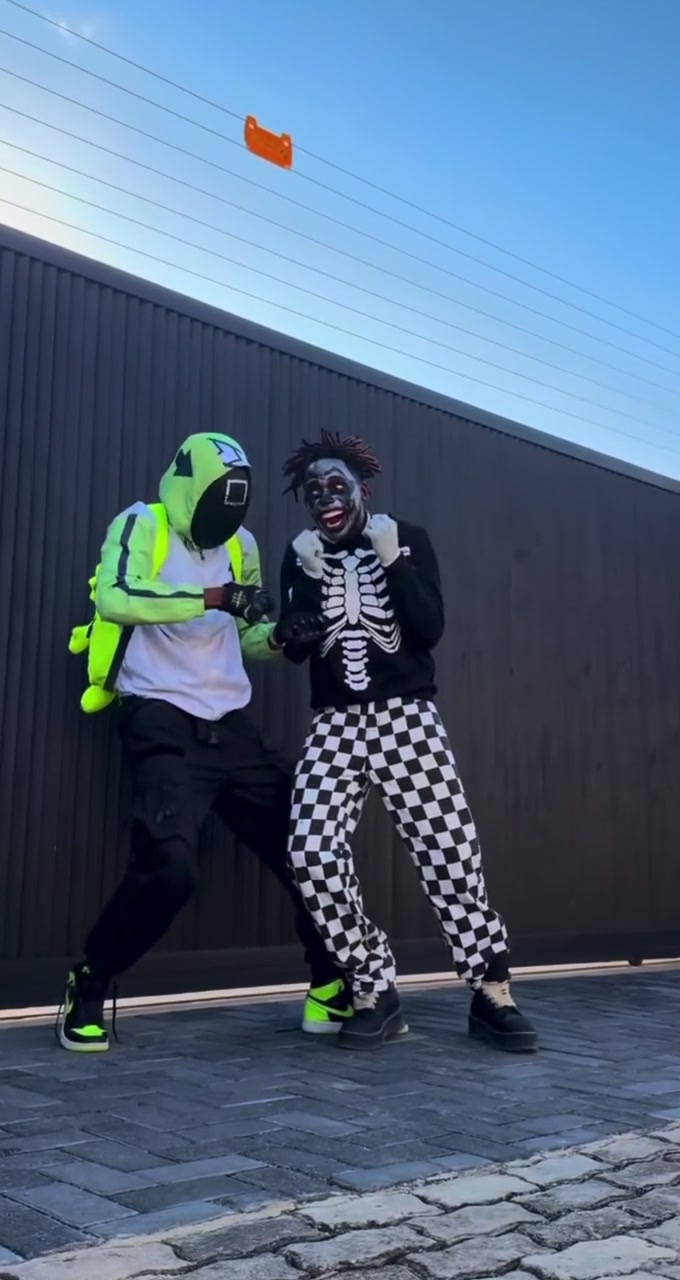
Street Duo AI turns two separate character photos into a paired street dance. The prepared routine combines quick footwork, arm gestures, sideways leans and a playful sequence where one dancer moves behind the other. Photo 1 follows the performer who starts on the left in a neon hood; Photo 2 follows the performer who starts on the right in a skeleton top. Those costumes identify the original roles. Your uploaded photos supply the new appearances and clothing. Street Duo AI follows the approximately 16.75-second vertical reference, keeping the paved ground, metal wall, daylight and original soundtrack.
How to make a Street Duo AI video
Choose two performers, review the prepared routine and generate your dance.
STEP 1
Assign the opening left and right roles
Upload one adult character photo to each Street Duo AI slot. Photo 1 follows the opening left performer; Photo 2 follows the opening right performer. Use separate, clear images with visible outfits and shoes.
STEP 2
Check the reference and credit quote
Play the Street Duo AI reference with sound. Open Settings for available resolution choices and check the quote on Generate. Sign in and make sure your account has enough credits before submitting.
STEP 3
Review the overlap and download
Open your Street Duo AI result in My creations. Check both identities, the crossing sequence, footwork and clothing continuity. Play it with sound, then download the completed video. Another generation creates a new task and uses credits.
Two looks moving to the same rhythm
Street Duo AI pairs your chosen performers in one continuous street routine. Choose the cast, keep the choreography and watch their interaction unfold.
Bring two personal styles into one dance
Street Duo AI gives both performers their own photo input, so you can pair friends with coordinated outfits or contrast two very different styles. You do not need to be photographed together. Each reference contributes the whole character, including hair, body proportions, clothes, shoes and accessories. Choose images that show the looks you want to carry into the routine. Street Duo AI requests those uploaded outfits throughout the performance; the neon hood and skeleton print are role markers, with no requirement to recreate either costume in your photos.
Join a partner routine without rehearsing together
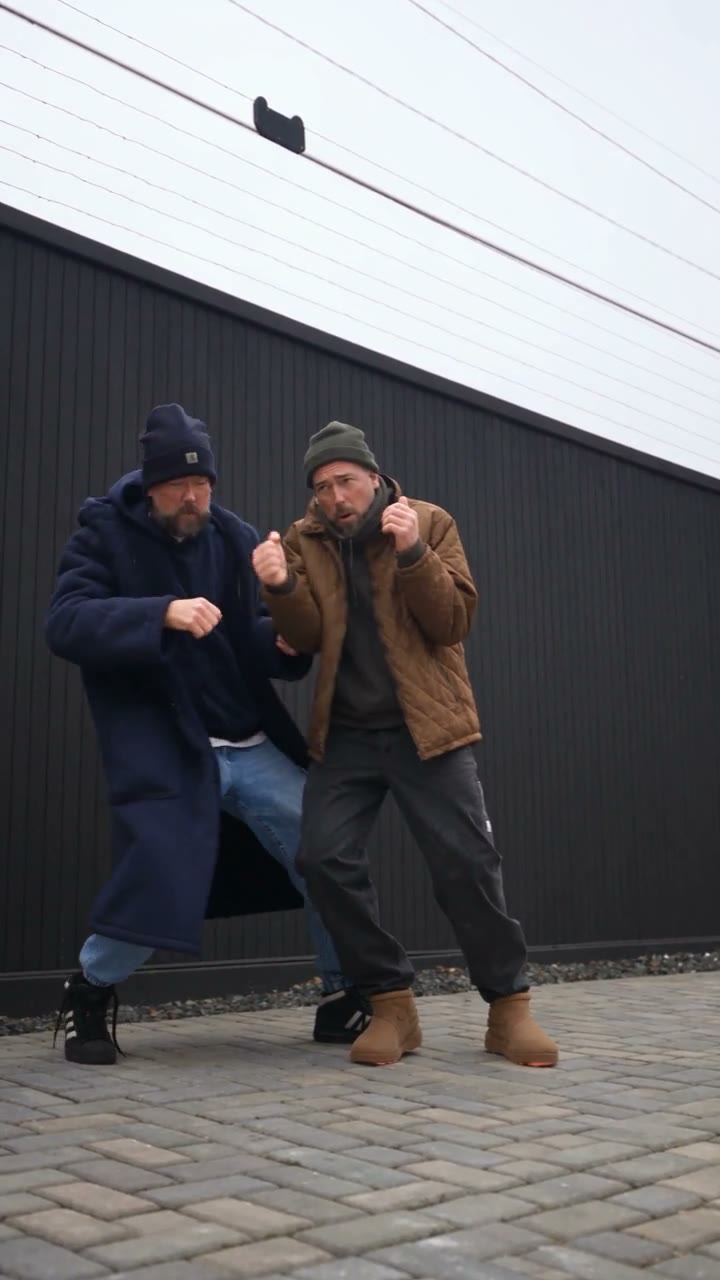
The appeal of Street Duo AI is how the dancers move together: a lean meets a gesture, synchronized steps lead into an overlap, and the pair becomes visible side by side again. The reference supplies that sequence, so neither person needs to record a dance take. Street Duo AI binds each upload to its starting performer even when their screen positions overlap. This makes the later crossing sequence a useful place to review the result. Check that the two looks remain distinct as one body briefly obscures the other.
Keep the footwork and the soundtrack in frame
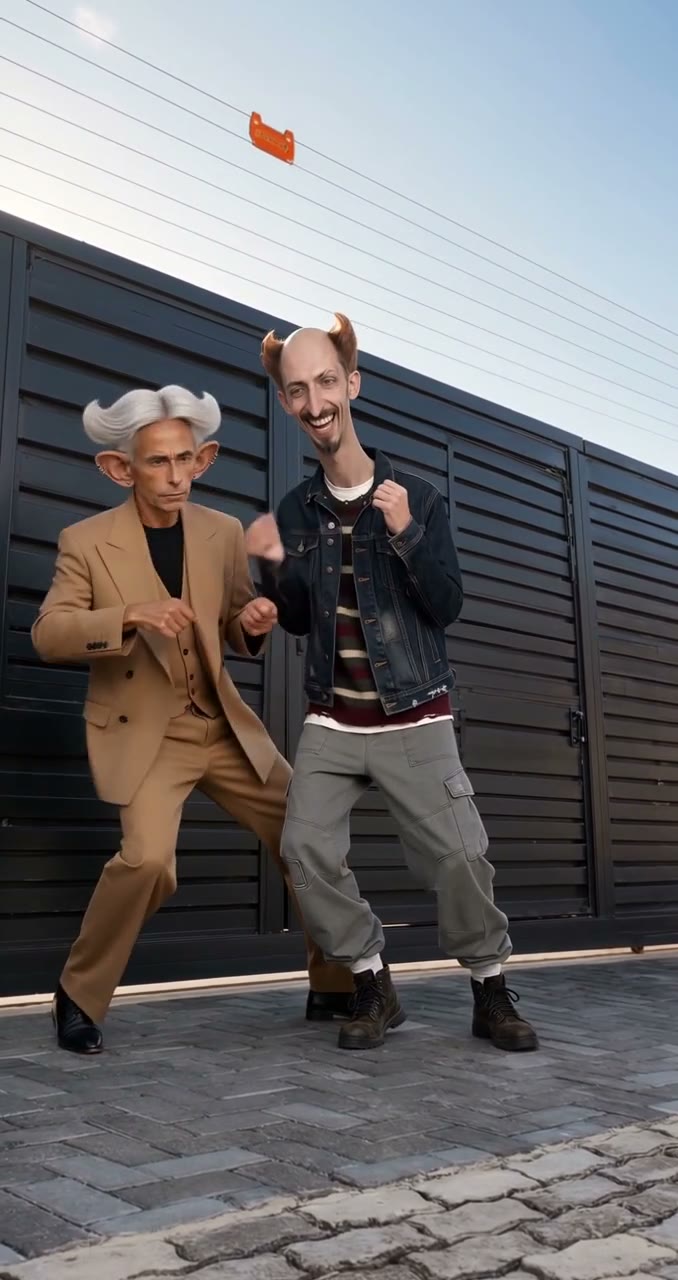
Street Duo AI follows a fixed vertical, full-body view, letting you watch the legwork and the upper-body gestures together. The outdoor setting stays in place while your cast takes part. The finished Street Duo AI clip includes the reference sound, so there is no separate recording step. Use the result as a playful partner message or a clearly labeled AI dance remix. Before sharing, watch the whole clip with sound and keep enough of the frame to see both performers’ feet. The reference begins and ends during the routine; it has no added entrance or final pose.
What you choose in Street Duo AI
Your photos choose the cast; the prepared clip supplies the performance.
Two independent character references
Street Duo AI requires two photos, with one adult character in each. A full-body image gives the model more information about footwear, proportions and clothing than a tightly cropped face. The photos can come from separate shoots.
One continuous vertical routine
Street Duo AI uses the same approximately 16.75-second sequence, including the overlapping positions. The page has no custom choreography, camera-angle or background selector. Choose the Motion Transfer studio if you need another reference clip.
Original sound and a visible quote
Street Duo AI retains the reference soundtrack. Resolution options and the current credit quote appear in the generator. A photo does not provide a singing voice, and this page has no voice or music upload control.
Street Duo AI credits and plans
Watching the original reference does not create a generation. Making a Street Duo AI video requires an account and sufficient credits for the displayed quote. The quote depends on the selected resolution and this reference. Plan examples below may describe other video lengths or models.
Starter
For your first ideas.
$8.3/month
$100.0 charged yearly
2,400 credits/year
Up to 400 images
GPT Image 2Nano Banana Pro
Up to 133 videos
Seedance 2.5Kling 3.0 Motion Control
- Up to 4K images and HD videos, depending on the model
- Image editing, video creation & motion transfer
- Watermark-free image & video downloads
- Generation history in your account
Popular40% OFFSave $238.8
Pro
For a steady creative flow.
$30.0/month$49.9/month
$360.0 charged yearly
21,600 credits/year
Up to 3,600 images
GPT Image 2Nano Banana Pro
Up to 1,200 videos
Seedance 2.5Kling 3.0 Motion Control
- Up to 4K images and HD videos, depending on the model
- Image editing, video creation & motion transfer
- Watermark-free image & video downloads
- Generation history in your account
- Use credits across image and video models
Best Value50% OFFSave $599.8
Business
For more creations, more often.
$49.9/month$99.9/month
$599.0 charged yearly
48,000 credits/year
Up to 8,000 images
GPT Image 2Nano Banana Pro
Up to 2,666 videos
Seedance 2.5Kling 3.0 Motion Control
- Up to 4K images and HD videos, depending on the model
- Image editing, video creation & motion transfer
- Watermark-free image & video downloads
- Generation history in your account
- Use credits across image and video models
Basic
$0Try before you subscribe
- 18 one-time signup credits
- Generation history included
- Watermarked previews & downloads
- Up to 3 images or 1 video
- Watermark-free downloads require payment
Prices in USD; taxes and total shown at checkout. Subscriptions renew automatically; cancel in Billing settings. Subscription credits expire each period; one-time credits never expire.
Refunds: request within 72 hours. Used purchased credits and applicable non-refundable processing costs (up to 6%) are deducted. Terms · Refund Policy
Street Duo AI questions
Answers about the two roles, outfits, soundtrack and finished clip.
Does Street Duo AI need two separate photos?
Yes. Street Duo AI requires two image inputs with one adult character per image. If both people are in one photograph, crop two clear individual references before uploading. There is no one-photo mode that keeps the other source dancer unchanged.
How do the left and right roles work when the dancers overlap?
Left and right refer to the opening frame. Photo 1 follows the original neon-hood performer; Photo 2 follows the original skeleton-top performer. Street Duo AI requests those identities throughout the routine, including the front-and-back overlap. Recheck that sequence because occlusion can make AI identity and clothing details less reliable.
Do I need a neon hoodie or a skeleton outfit?
No. Street Duo AI takes clothing, footwear and accessories from your photos. The source costumes only identify the two roles. Choose contrasting looks if you want to make the pair easy to distinguish, and avoid photographs that cut off the clothing details you care about.
Which photos work best for Street Duo AI?
Use sharp, well-lit images with a visible face, body, clothes and shoes. A standing pose helps show proportions; you do not need to copy a dance move. Avoid group photos, heavy filters, face coverings and objects hiding large parts of the body. Use photos of adults who have agreed to the edit.
Does Street Duo AI include the reference sound?
Yes. Street Duo AI includes the original reference soundtrack. Use the preview sound control to listen before generating. There is no song picker or new voice recording step. Check the rights to the sound and people shown before using your result publicly or commercially.
Can I change the length or make a landscape video?
This preset follows the approximately 16.75-second portrait reference and its original framing. Changing resolution affects detail, with no new choreography or longer routine. A later landscape crop can remove feet or a performer. Start from the Motion Transfer studio for a different composition.
Is the preview a Street Duo AI result?
The page shows the original supplied dance reference. It demonstrates the movement and role order, with no claim that it is a completed generation from this tool. Your uploaded cast will look different. Likeness, hands, clothing and synchronization may vary, so review the entire result.
Where do I find my completed Street Duo AI video?
Open My creations to play and download your result. Video history lists available past tasks. Check the overlap around the later part of the clip, the feet against the pavement and the soundtrack before saving. Submitting again creates a separate generation; it does not repair the existing video for free.
Choose your Street Duo AI dance partners
Bring two looks to one street routine. Assign the opening roles, keep the rhythm and see your pair perform together.