
Create a video

Architectural montage lead · Photo 1

Blueprint Reveal AI Video Generator

Unroll the plans. Watch a miniature city appear. Blueprint Reveal AI casts your complete look in a cinematic architectural montage, using one person photo and the prepared scene’s sound.

0:00 / —:—

Blueprint Reveal AI video ideas

Explore community remixes of this performance. Open a video for a closer look.

What is Blueprint Reveal AI?

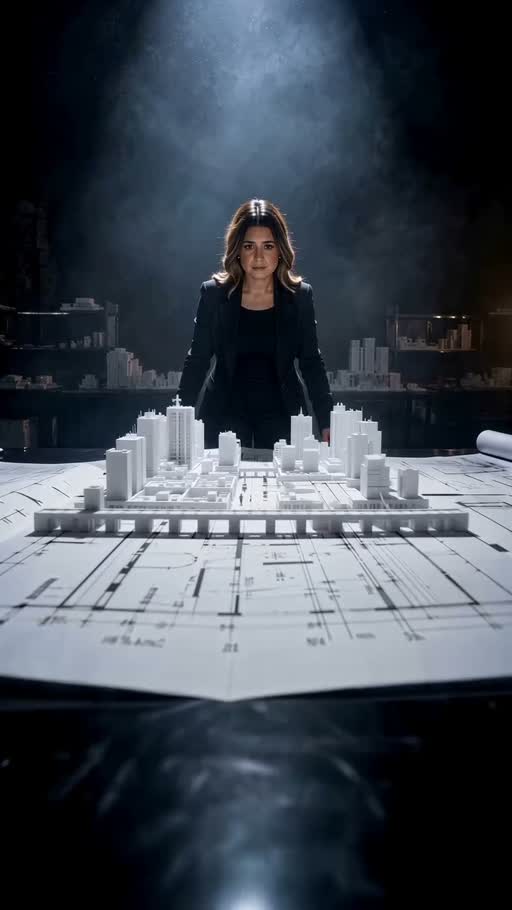
Blueprint Reveal AI turns one person photo into the recurring lead of an architectural video montage. The character unfolds plans, works over a drafting table and appears behind a miniature city before the camera travels between buildings and paper fills the studio. Your photo supplies the face, hair, body proportions and clothing; the prepared reference supplies the plans, models, setting and shot order. The result is an approximately 26-second vertical character video with reference sound. Blueprint Reveal AI accepts a person image, not a floor plan or CAD file. It creates this visual performance without turning your own architectural drawings into a custom building model.

Blueprint Reveal AI reference with a woman at a drafting table, a miniature city and flying paper

How to use Blueprint Reveal AI

One person photo supplies the lead. The architectural sequence is ready.

  1. STEP 1

    Choose your Blueprint Reveal AI character

    Upload one clear person photo showing the complete appearance and outfit you want. A single visible subject gives the tool a clear character to follow through close-ups and wider shots.

  2. STEP 2

    Preview the scene and check your quote

    Watch Blueprint Reveal AI with sound, choose an available resolution in Settings and read the credit quote on Generate. Sign in and submit when ready. Selecting a photo alone does not start a paid generation.

  3. STEP 3

    Review and download your montage

    Open your Blueprint Reveal AI result in My creations. Check the full clip for recognizable appearance, natural hands, stable clothing and sound before downloading. Replaying a saved result does not generate another video.

Explore the Blueprint Reveal AI montage

See how a recurring character connects the drafting table, miniature city and flying-paper finale.

Put your character at the center of the reveal

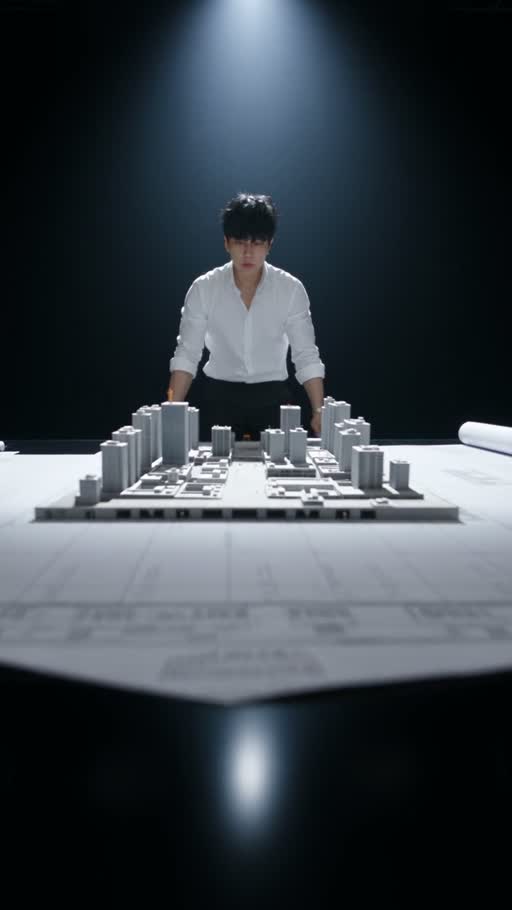
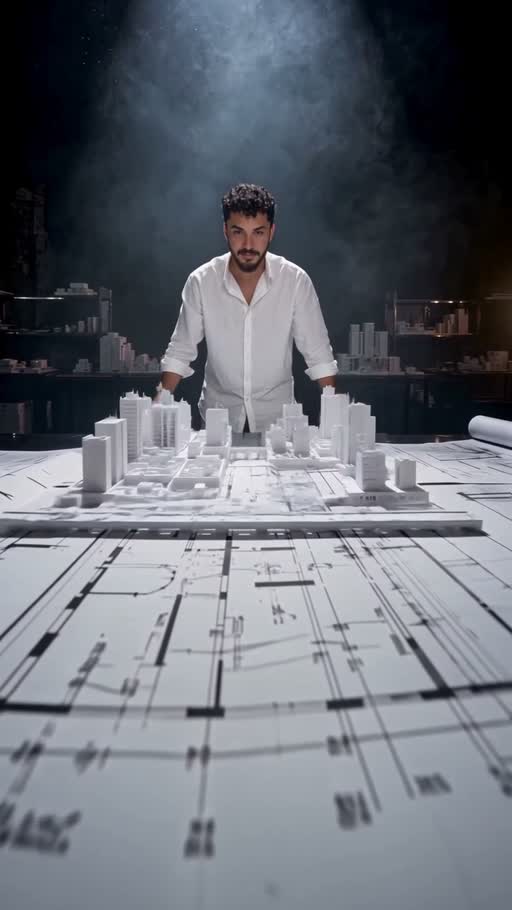
A quiet drafting-table entrance gives your character a role before the scene becomes spectacular. Blueprint Reveal AI carries the uploaded appearance through the paper gestures, face close-up and wider studio shots, so the montage can introduce you, a fictional designer or a character from a creative project. Include the clothes you want to see in your person photo: the input defines the whole look, including the visible body and hair. You do not need to dress like the original performer. Blueprint Reveal AI follows the same character across the changing views; small accessories, hands and facial details still need a result check before you use the clip.
Put your character at the center of the reveal

Get a model-city sequence without assembling the shots

The appeal of Blueprint Reveal AI comes from its change of scale. A flat sheet becomes a stage for a miniature city, and the camera moves through the streets while the character stays part of the surrounding studio. The fixed sequence already combines close hand work, a personal reaction and a sweeping move between buildings. Use that progression for a cinematic profile introduction, a design-themed social post or a playful creative announcement. Blueprint Reveal AI keeps the existing model layout and camera timing. There is no control for inserting your project’s actual buildings, selecting a different skyline or replacing the drawings with a client plan.

Get a model-city sequence without assembling the shots

Finish with a flying-paper payoff and sound

The final transition brings the scene back from miniature streets to the character surrounded by loose paper. Blueprint Reveal AI gives the clip an ending that connects to the opening plans, making the whole montage usable as one short visual story. The vertical frame suits a portrait video edit, while the approximately 26-second sequence leaves room for the drafting gestures and model reveal. Reference audio accompanies the finished result. Preview Blueprint Reveal AI with sound before generating, then play your completed version from beginning to end. Check the person through the paper occlusions and camera changes, especially when sheets cross the face or hands leave the drafting table.

Finish with a flying-paper payoff and sound

Where does Blueprint Reveal AI fit?

Choose the prepared architectural story when its character-led reveal matches your idea.

A design-themed introduction

Blueprint Reveal AI can give a personal or fictional profile an architectural setting. The person leads the action, while the plans and model city provide a visual theme without a separate filmed shoot.

A short creative announcement

The move from drafting details to a city reveal gives Blueprint Reveal AI a clear progression. Add your own context in a caption or separate edit; the generator does not add a project title or branded signage.

A prepared scene with a clear scope

Use Blueprint Reveal AI for this montage. For a different location or action, bring your own motion reference to the Motion Transfer homepage, or browse AI Trends for another prepared performance.

Blueprint Reveal AI credits and plans

Generation requires an account and enough credits for the displayed quote. Resolution and reference duration affect the cost. General plan examples may describe other models or video lengths.

Starter

For your first ideas.

$8.3/month

$100.0 charged yearly

2,400 credits/year

Up to 400 images

GPT Image 2Nano Banana Pro

Up to 133 videos

Seedance 2.5Kling 3.0 Motion Control
  • Up to 4K images and HD videos, depending on the model
  • Image editing, video creation & motion transfer
  • Watermark-free image & video downloads
  • Generation history in your account
Popular40% OFFSave $238.8

Pro

For a steady creative flow.

$30.0/month$49.9/month

$360.0 charged yearly

21,600 credits/year

Up to 3,600 images

GPT Image 2Nano Banana Pro

Up to 1,200 videos

Seedance 2.5Kling 3.0 Motion Control
  • Up to 4K images and HD videos, depending on the model
  • Image editing, video creation & motion transfer
  • Watermark-free image & video downloads
  • Generation history in your account
  • Use credits across image and video models
Best Value50% OFFSave $599.8

Business

For more creations, more often.

$49.9/month$99.9/month

$599.0 charged yearly

48,000 credits/year

Up to 8,000 images

GPT Image 2Nano Banana Pro

Up to 2,666 videos

Seedance 2.5Kling 3.0 Motion Control
  • Up to 4K images and HD videos, depending on the model
  • Image editing, video creation & motion transfer
  • Watermark-free image & video downloads
  • Generation history in your account
  • Use credits across image and video models

Basic

$0

Try before you subscribe

  • 18 one-time signup credits
  • Generation history included
  • Watermarked previews & downloads
  • Up to 3 images or 1 video
  • Watermark-free downloads require payment

Prices in USD; taxes and total shown at checkout. Subscriptions renew automatically; cancel in Billing settings. Subscription credits expire each period; one-time credits never expire.

Refunds: request within 72 hours. Used purchased credits and applicable non-refundable processing costs (up to 6%) are deducted. Terms · Refund Policy

Blueprint Reveal AI questions

Check the input, output and scene details before creating your video.

How many photos does Blueprint Reveal AI need?

Blueprint Reveal AI uses one person photo for the recurring main character. Choose an image with a clear face, hair, body and outfit. The same person returns throughout the montage; there are no separate character slots for each shot.

Can I upload my own blueprint or floor plan?

This page accepts a person photo and follows the prepared architectural video. Blueprint Reveal AI keeps the reference plans and model city. It does not interpret floor plans, construct a CAD model or visualize the dimensions of a real building project.

Does Blueprint Reveal AI replace the outfit?

Yes. Your image defines the person’s complete appearance and clothing, as well as their face and hair. A wider photo gives Blueprint Reveal AI more information about the intended look than a tightly cropped face. Check cuffs, sleeves and accessories in the finished gestures.

Can I change the model city or flying-paper transition?

The plans, model geometry, camera movement and paper transitions follow the reference. Blueprint Reveal AI does not offer a skyline selector, construction timeline or paper-effect slider. Watch the prepared scene before submitting to make sure its visual story fits your project.

How long is the Blueprint Reveal AI video?

Blueprint Reveal AI follows the roughly 26-second portrait reference. Its 720 × 1280 source has a 9:16 frame. Available output resolution is selected in Settings; the scene timing and framing come from the reference. Additional trimming or captions belong in a separate edit after download.

Does Blueprint Reveal AI include the original sound?

The completed video uses the supplied reference audio. Turn on sound in the preview to hear the track before generating. Blueprint Reveal AI has no custom soundtrack upload or music picker on this page; check the permissions required for your intended use.

What should I inspect before sharing my result?

Review the face close-up, fingers on the plans, clothing across cuts and the final paper occlusions. Blueprint Reveal AI aims to keep a consistent character, but details can vary in generated video. Play the full result with sound rather than judging only its first frame.

Is Blueprint Reveal AI free to generate?

Previewing the scene does not spend generation credits. Creating a Blueprint Reveal AI video requires an account and enough credits for the quote shown on Generate. A fresh submission creates a separate job; opening or replaying an existing result does not charge for another generation.

Create your Blueprint Reveal AI video

Choose your character photo and step into the plans, model city and paper finale.

Blueprint Reveal AI reference with a woman at a drafting table, a miniature city and flying paper